How to Install 4K Commercial Displays in Hotels, Bars and Restaurants
Published January 14, 2026
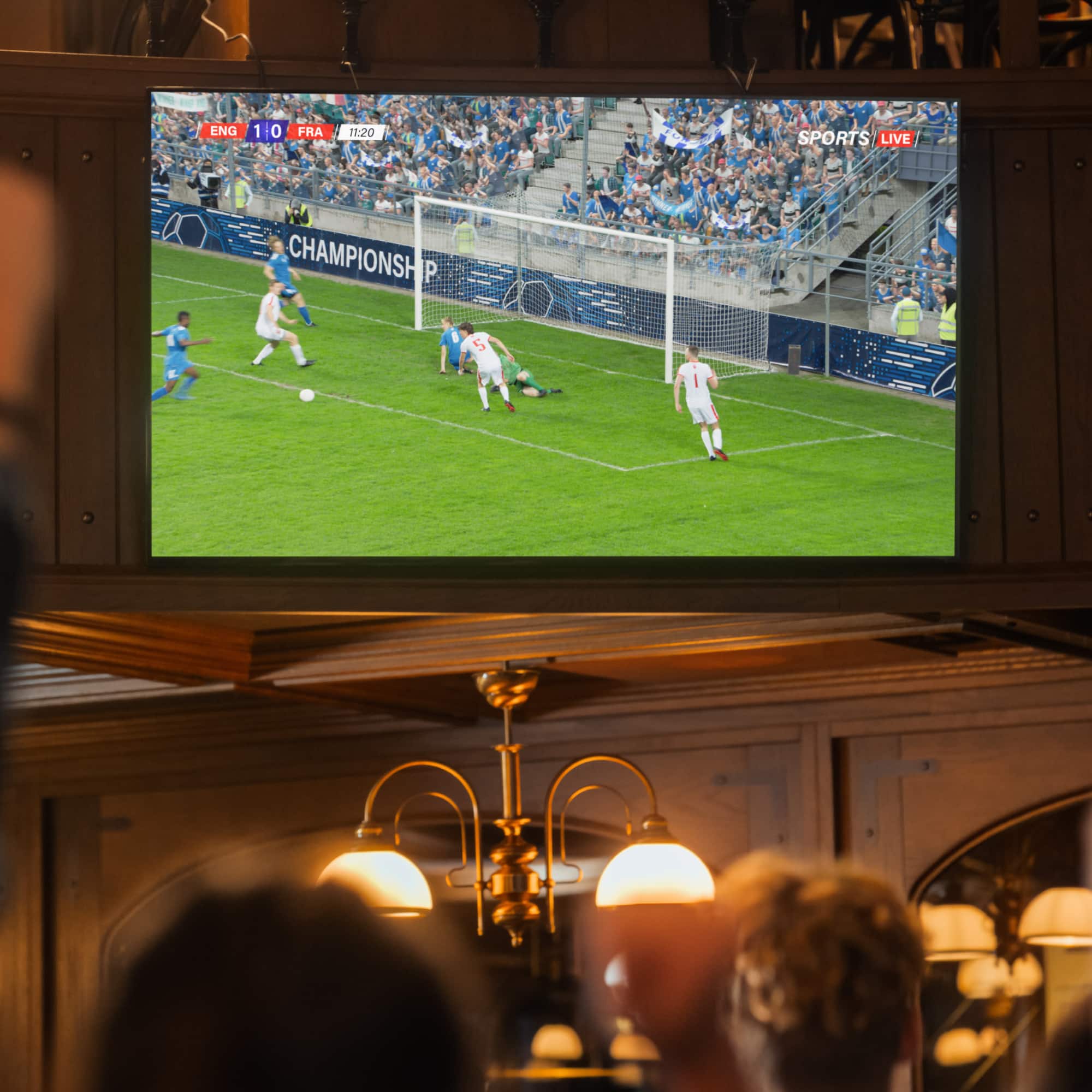
Installing video screens in busy places like offices, bars and restaurants involves different steps than installing them in a home. Commercial displays, including video walls, digital signs and TVs at sports bars usually require bigger, heavier screens that draw more electricity. Properly installed screens can ensure that watch parties and other screenings of sporting events can go the distance.
This guide reviews the best practices for 4K commercial display installation, which include complying with local electrical codes, safely mounting the displays and choosing the right video and networking requirements.
Difficulty:
Advanced
Duration:
Over 1 day
Table of Contents
Steps for Commercial Display Installation
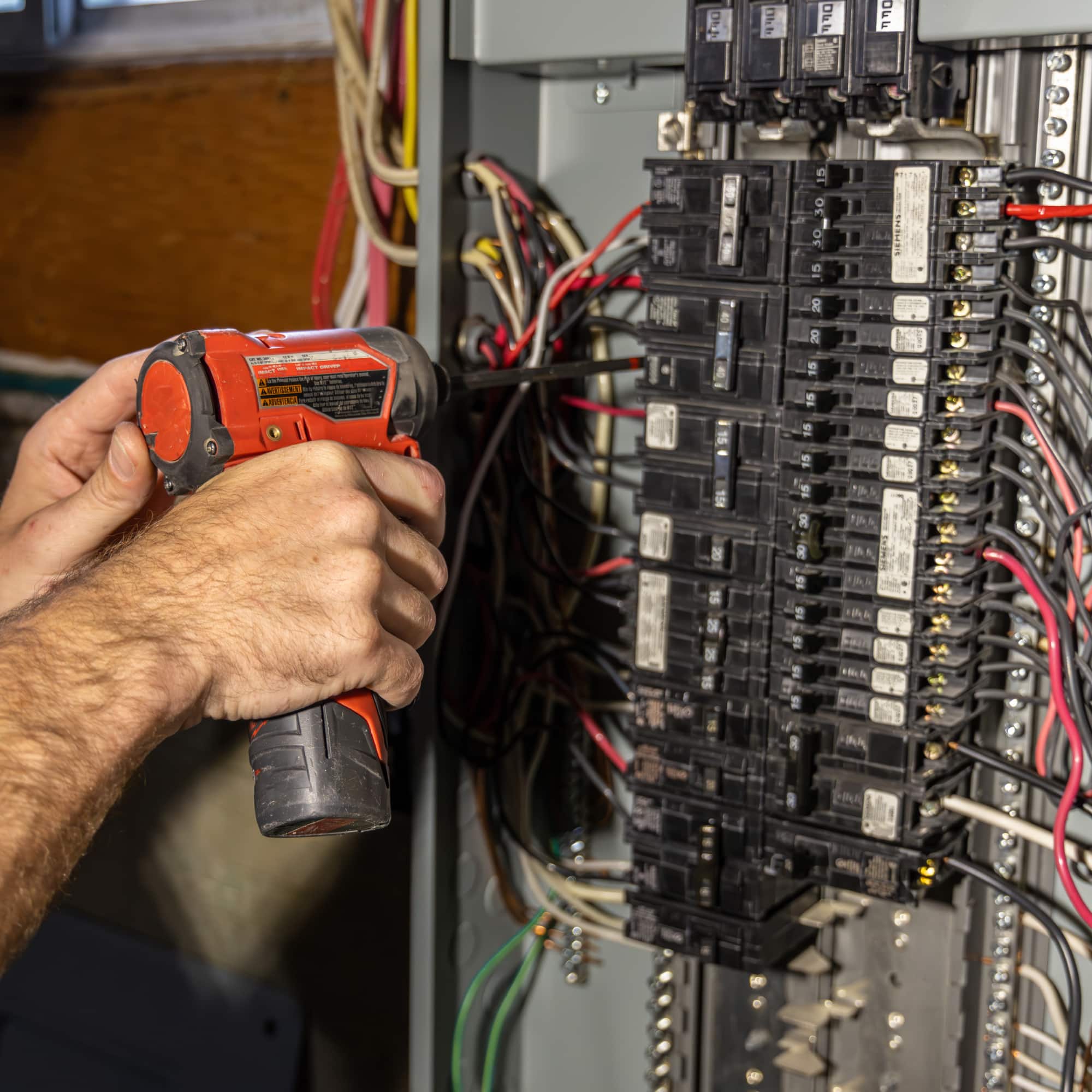
Electrical Compliance and Power Load Management
Signal and Source Distribution for 4K Systems
Safe Mounting and Structural Integrity
More Tools. More Products. More Perks.
Steps for Commercial Display Installation
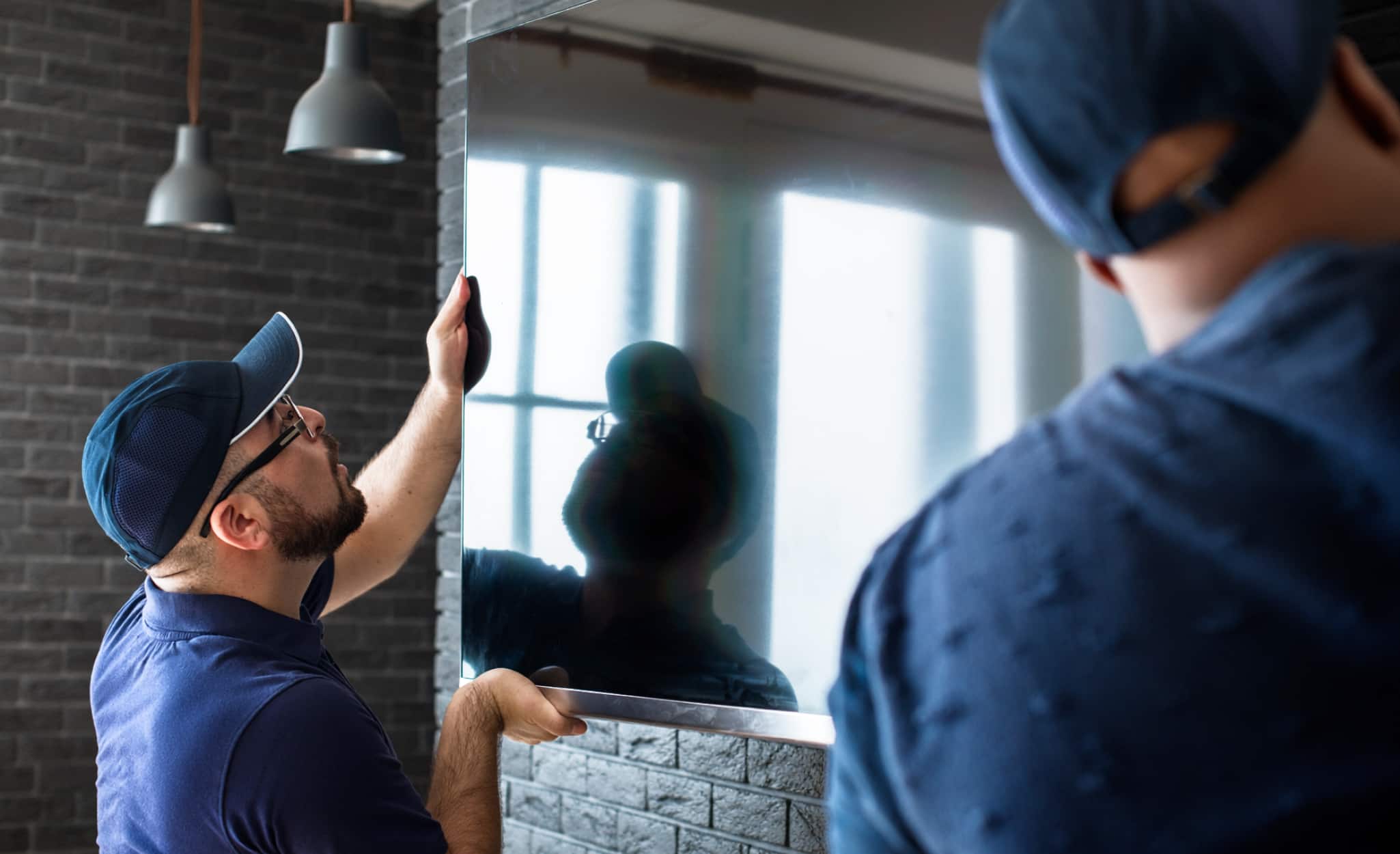
Displaying commercial TVs or other video signs in public venues requires multiple steps.
- Determine the relevant electrical codes and make sure the wiring is in compliance.
- Calculate the electrical power load of the screens and their networking devices. Determine the size and type of televisions and their display resolutions to find the electrical usage.
- Install or upgrade the wiring and circuit breakers to ensure they will support the TVs and other devices. Use best practices for cable installation to make sure it’s safe and as out of sight as possible.
- Make sure your customers’ displays will present the best picture and avoid freezing up or having other reception problems by choosing the right video signal requirements.
- If the venue has video walls or multiple TVs, determine the right video distribution equipment.
- Determine the best placement for the TVs in the venue, such as mounted on the wall or ceiling, and choose the mounting hardware accordingly.
- Install wall mounts rated to support the TVs weight.
- Install the TVs and test the signal and picture quality.
Electrical Compliance and Power Load Management
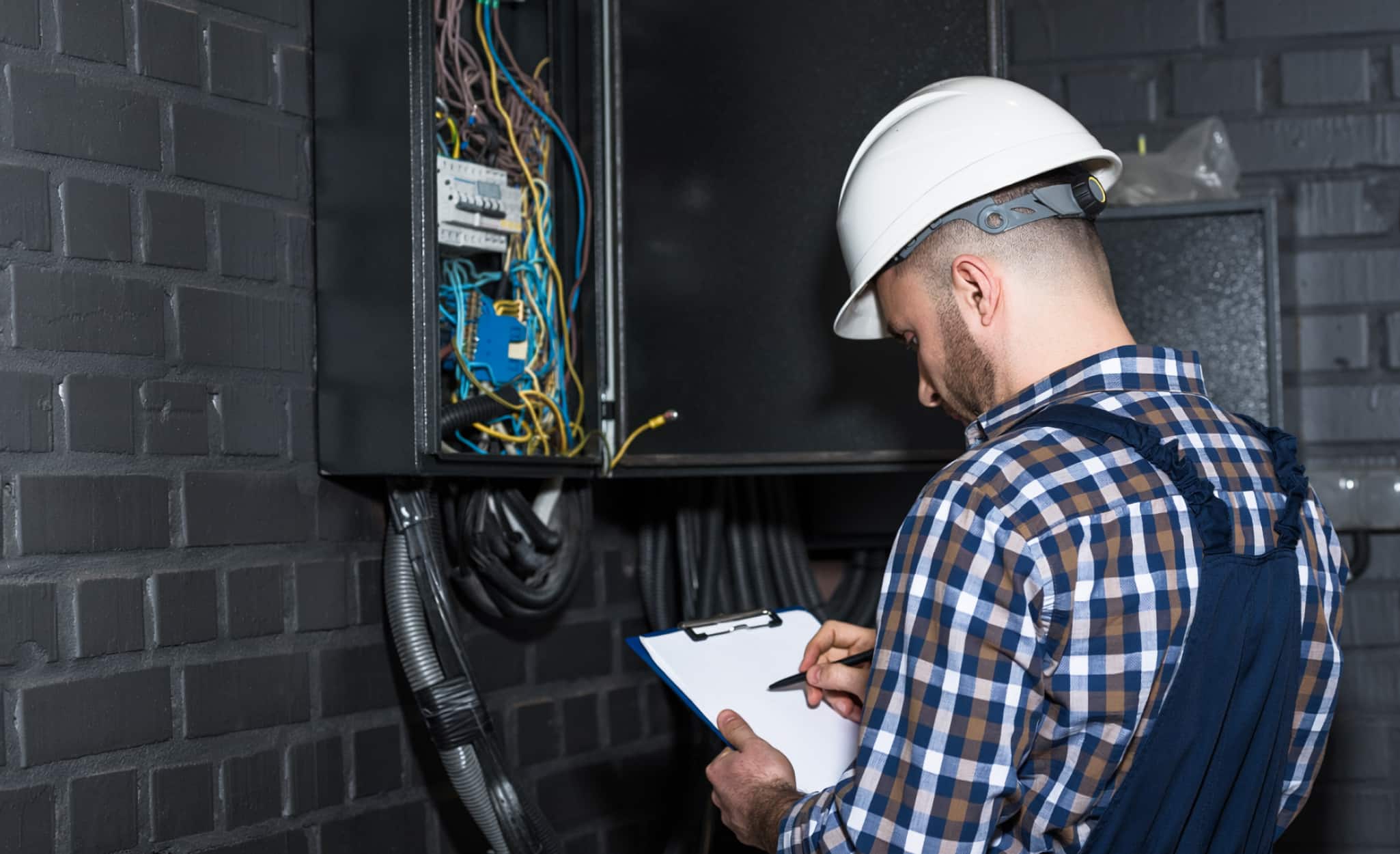
Begin your commercial display installation by making sure your display complies with the local electrical code.
Video displays on restaurant patios or other public places must comply with the outdoor TV electrical safety code. According to the National Electrical Code (NEC) Section 210.8, ground-fault circuit interrupter (GFCI) protection is required for all 125-volt, single-phase, 15- and 20-amp receptacles in outdoor locations, which include outdoor patios.
For damp locations, such as open patios with roofs, receptacles must be weather-resistant and have weather-proof covers. Receptacles in locations without roofs and fully exposed must be weather resistant and have weather-proof covers that provide sealed protection when cords are plugged into the receptacle.
Businesses like sports bars often need at least three dedicated 20-amp electrical circuits to power their AV setup, including video walls, multiple screens and the networking equipment that supports them.
Consider the following tips for cable installation:
- Use surface-mount cable raceways or color-matched cord covers to conceal wiring run along walls or ceilings.
- Use cable trays to keep signal and power cables out of sight.
- Keep electrical and data cable runs at least six inches apart to reduce interference.
- Label cables near both the power source and the device port to simplify troubleshooting.
- Use in-wall-rated conduit and low-voltage wiring to comply with fire safety requirements.
The amount of electricity TVs use depends on the type and number of displays, as well as settings such as brightness and resolution. Using 4K displays with 2160 vertical pixels is often best for live sports broadcasts on large screens or video walls.
4K televisions can have different types of screens including LCD (liquid crystal display) and OLED (organic light emitting diode). The following are some examples of energy use by screen size and type:
- 50-inch LCD: 110-150 watts
- 55-inch OLED: 160-220 watts
- 65-inch LCD: 170-220 watts
- 65-inch OLED: 190-300 watts
- 75-inch LCD: 210-250 watts
- 77-inch OLED: 290-400 watts
As display resolutions increase, more pixels and processing power are required to maintain image quality. HD screens of 1080p require 100-150 watts while 4K UHD screens require 130-180 watts.
To correctly install the wiring for a venue’s video displays, you need to determine the electrical uses of the TVs and other devices. Be sure to inform the customer about the energy use and its impact on electrical bills. To determine the energy use of each screen at a venue, find the manufacturer’s specifications for the energy use of each screen and add them together.
Video walls consist of multiple screens or panels connected to display a single image. For hospitality venue video wall setup, know that indoor video walls can consume up to 120w per 500 x 500 panel. Outdoor video walls can consume up to 260w per 500 x 500 panel.
A formula for video wall power consumption is:
Screen area x power density x brightness = power consumption
For example, consider a video display with a screen area of 6 meters x 6 meters, a power density of 600 w/m2 (watts per square meter) and a brightness percentage of 60%.
- First, multiply the screen area of 36 meters (6m x 6m) by the power density of 600 watts.
- Then multiply that result, 21,600, by the brightness percentage of 60% or 0.6. This provides power consumption of 12,960 watts per square meter.
Pro Tip: For more information, see our guide “How to Calculate Electrical Load Step by Step.”
Signal and Source Distribution for 4K Systems
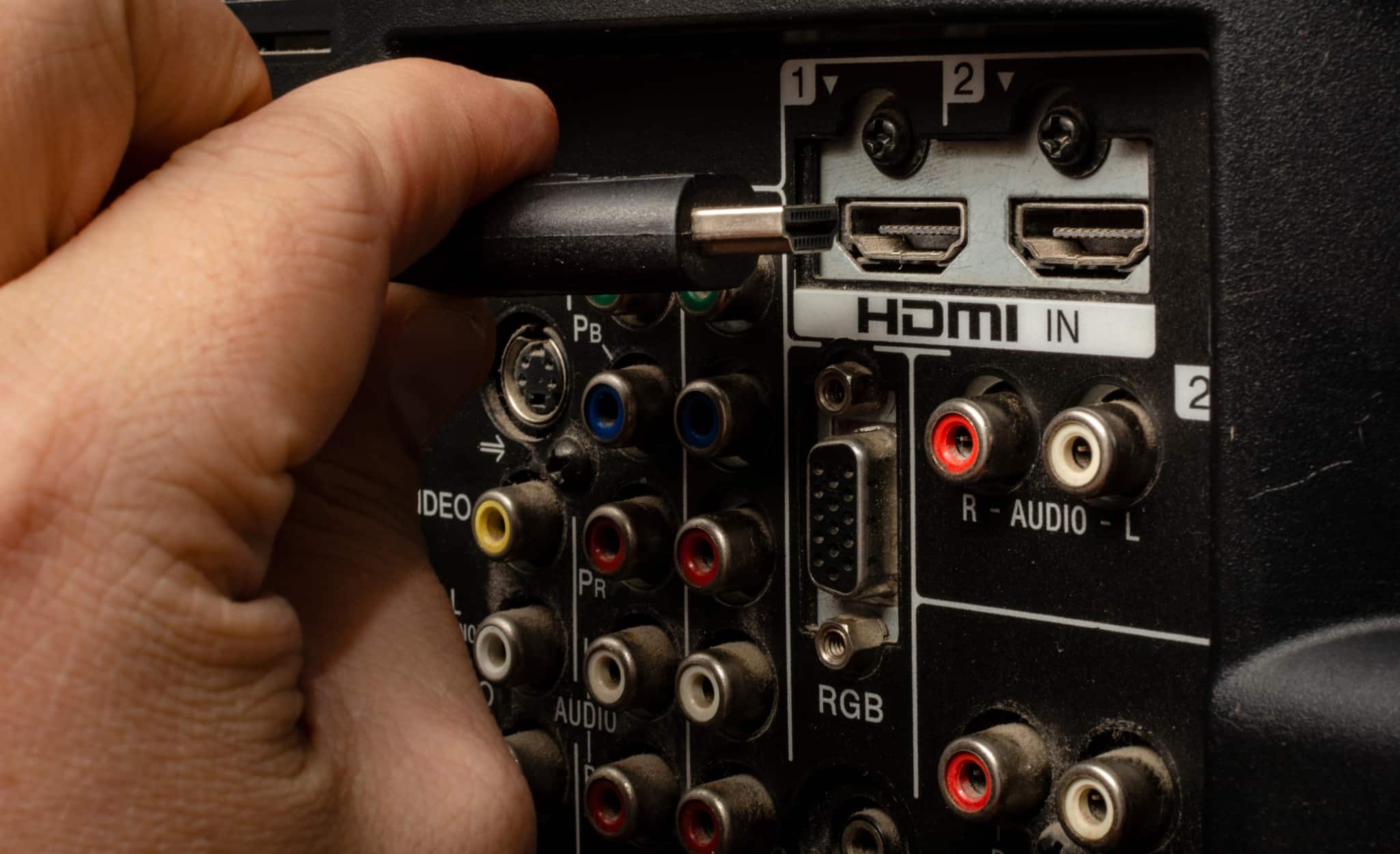
Nothing frustrates guests more than when the big game freezes up or has other technical issues. Make sure your TV system meets the specialized requirements for video signals and source distribution. Venues with commercial TVs capable of presenting 4K events such as live sports broadcasts will need network speeds between 15-25 Mbps (megabits per second), requiring strong network infrastructure.
Depending on the type of content you want to watch, different 4K standards are available:
- Consumer TVs and digital signs are best suited for UHD (ultra-high definition), which has a resolution of 3840 x 2160 pixels and is the most widely used standard.
- Theatrical movies and other large-scale projections are best suited for DCI (digital cinema initiatives) 4K, a wider format with a resolution of 4096 x 2160 pixels.
- Live events such as sports and concerts are best suited for broadcast-optimized UHD resolution, which features specialized color depth and frame rates.
- Gaming is best suited for 4K for gaming which, as name suggests, has high frame rates and low input lag for gaming-specific performance.
To ensure high-quality presentation of live events in public venues, consider UHD 4K or broadcast optimized 4K. These require HDMI 2.0 or newer cables with bandwidths from 18-48 Gps. Bulk HDMI cables of 60 hz or 120 hz are recommended for either format.
Venues presenting live events will often use multiple displays, whether through a video wall in one location or displays in multiple rooms. Specialized equipment is necessary for signal distribution for multiple displays, including the following:
- HDMI splitters can divide audio-visual signals from cable boxes, media players or game consoles into multiple displays. Connect the HDMI cable from the video source to the splitter, and then the HDMI outputs of the splitter into each TV. The connected displays will show the same content simultaneously.
- Video distribution systems consist of a central hub or matrix switcher that connects to the video source, as well as multiple receivers connected to each TV.
- Wireless HDMI systems consist of transmitters connected to the video source and multiple receivers connected to the displays without the need for cables. Choose wireless systems with multi-screen functionality.
- Video wall processors take a single signal and split it across multiple screens for a single, unified image.
Look for HDMI encoders and decoders that support 4K resolution, low latency and flexible scalability. If the customer is adding devices to an existing network system, confirm that the additions are compatible with the networking infrastructure. Include features such as video wall support and audio embedding as needed.
Safe Mounting and Structural Integrity
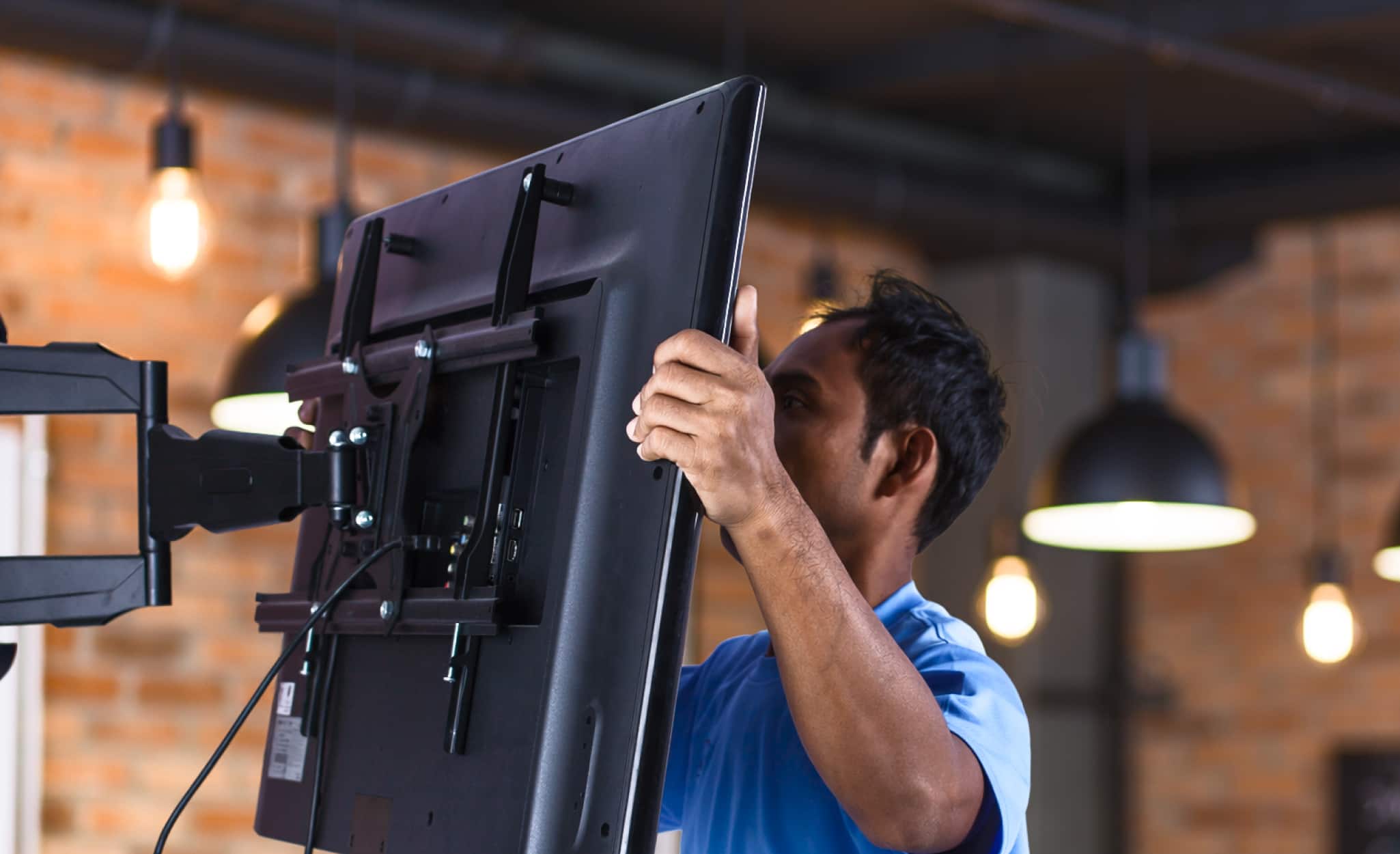
Commercial grade TV mount capacity usually exceeds residential mounting needs. Commercial grade TVs designed for offices, hospitality and other public places frequently need higher brightness and longer running times than consumer TVs.
First, determine where to hang the displays in the venue or location. Consider the following installation heights based on the center of the display:
- Seated areas: Center of the mount 42-48 inches above the finished floor for seated areas such as conference rooms and waiting lounges.
- Standing-view areas: Up to 60 inches for standing-view applications such as retail showrooms or public corridors.
- Sports bars or gyms with high ceilings: Articulating or full motion mount with 10-15-degree downward tilt to reduce glare and maintain sightlines.
Follow these tips when choosing the location:
- Position displays away from direct window exposure or use models with anti-glare screens.
- For video walls and other multi-screen displays, set consistent heights and angles across all panels for optimum viewing.
- In high-traffic areas such as lobbies, install mounts with reinforced locking, tamper-resistant fasteners and security screws to deter theft or misuse.
There are three types of TV wall mounts:
- Fixed mounts hold units flush to the wall.
- Tilting mounts allow users to angle the units up or down.
- Full motion mounts have articulated arms that allow the unit to be pulled from the wall and tilted in multiple directions.
Fixed mount brackets need only to support a TV’s static weight. Tilting and full-motion mounts must support dynamic load, which is the force TVs exert on extended arms and can be greater than the static weight. When mounting a commercial-grade TV or display screen, consider:
- Weight: Check the manufacturer’s specs for the weight of the TV.
- Wall structure: Use a stud finder to ensure that you anchor the mount to solid wood studs or concrete.
- Mount capacity: Compare the weight of the TV to the mount’s capacity, which manufacturers determine by testing dynamic loads. For an added safeguard, choose a mount with slightly higher capacity than the TV.
- VESA (Video Electronics Standards Association) compatibility: VESA standards ensure that a TV’s weight is distributed evenly across the mount’s backplate, preventing stress points. Confirm that TVs and mounts have matching VESA patterns.
- Level hanging: Use a level to ensure that the TV is hanging straight. This not only looks better, but it also ensures that a crooked TV does not put excessive strain on any of the mounting hardware.
For hospitality venue video wall setup, attach the fixed-mount panels to walls as you would individual screens. Some video walls have “daisy chain” capability, which allows a screen to be wired to the one next to it in an array. Other video walls require special video wall controllers to manage the content distribution.
When mounting commercial TVs on wooden ceilings, use a stud finder to find wooden joists or beams. When mounting TVs on concrete ceilings, use a masonry drill to make pilot holes before installing the anchors.
Pro Tip: When installing a mount, use the provided hardware, including lag bolts and screws designed for the mount. Don’t use spares that you happen to have that may not match.
More Tools. More Products. More Perks.

Be more competitive and boost your bottom line with Pro Xtra, The Home Depot’s loyalty program built for Pros. Sign up today to access the enhanced Pro Online Experience, built with the online business tools and time-saving features Pros need.
Use our tool rental services for access to equipment for screen installation jobs.