How to Authorize Payments for Text2Confirm



How to Add Text2Confirm Approvers
To add additional approvers, select "Add Additional Approvers" & add their contact information. After Approvers confirm enrollment by text, they can review, approve or deny purchases.
How to Confirm Approver Enrollment
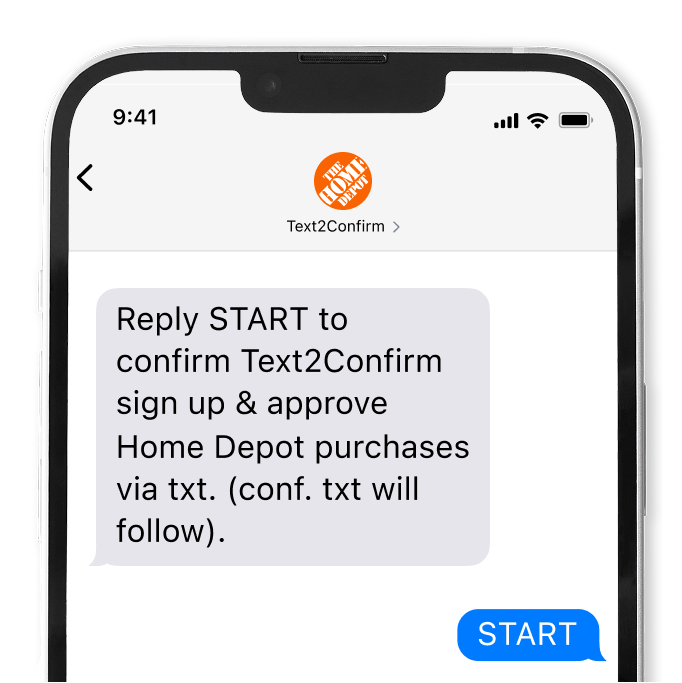
Step 1
Approvers Will Receive a Text Message & Must Reply “START” to Opt In
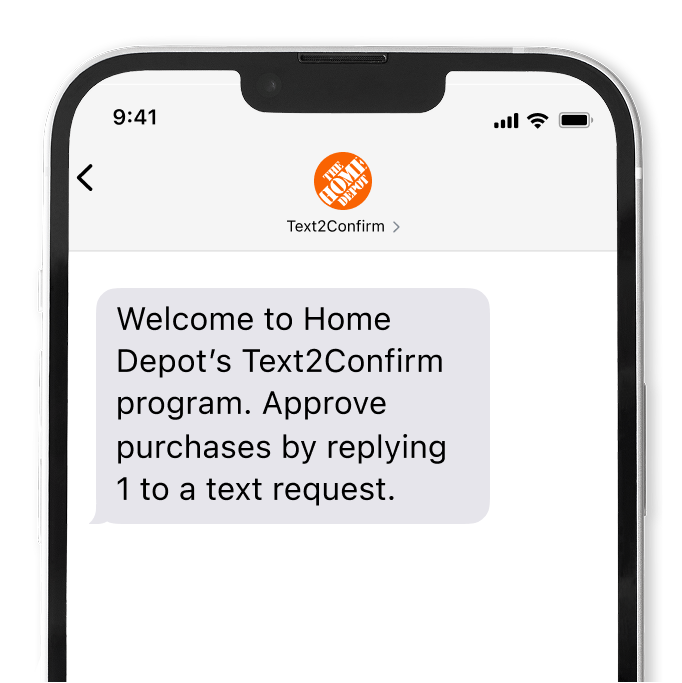
Step 2
Approvers Will Receive a Text Confirming Enrollment
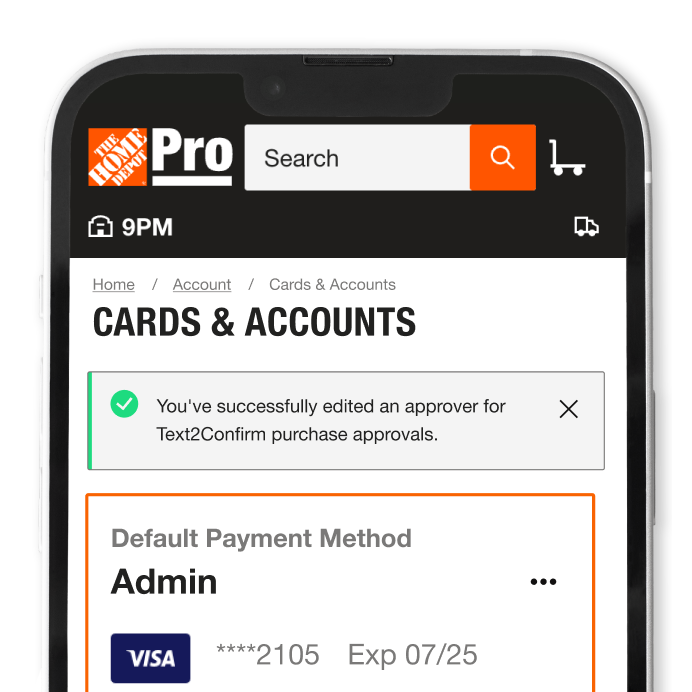
Step 3
Approvers can View Their Status in “Cards & Account”
How to Approve Purchases with Text2Confirm


Frequently Asked Questions
Remote Purchases with Text2Confirm is an additional payment option for Pro Xtra members to authorize in-store purchases. Your team can securely pay for materials without your card, or the account owner being present.
Text2Confirm is a remote purchase option available to all Pro Xtra Members. Text2Confirm allows you to stay on site while giving visibility to up to 5 Approvers for your runners in-store purchases. This secure checkout method allows for 15 different payment types and Approvers have control to approve or deny purchases.
Up to 5 Approvers and 15 different payment methods can be added.