Credit Center FAQs
Credit Options For Any Project & Any Budget
Answers to Your Frequently Asked questions All in One Place.
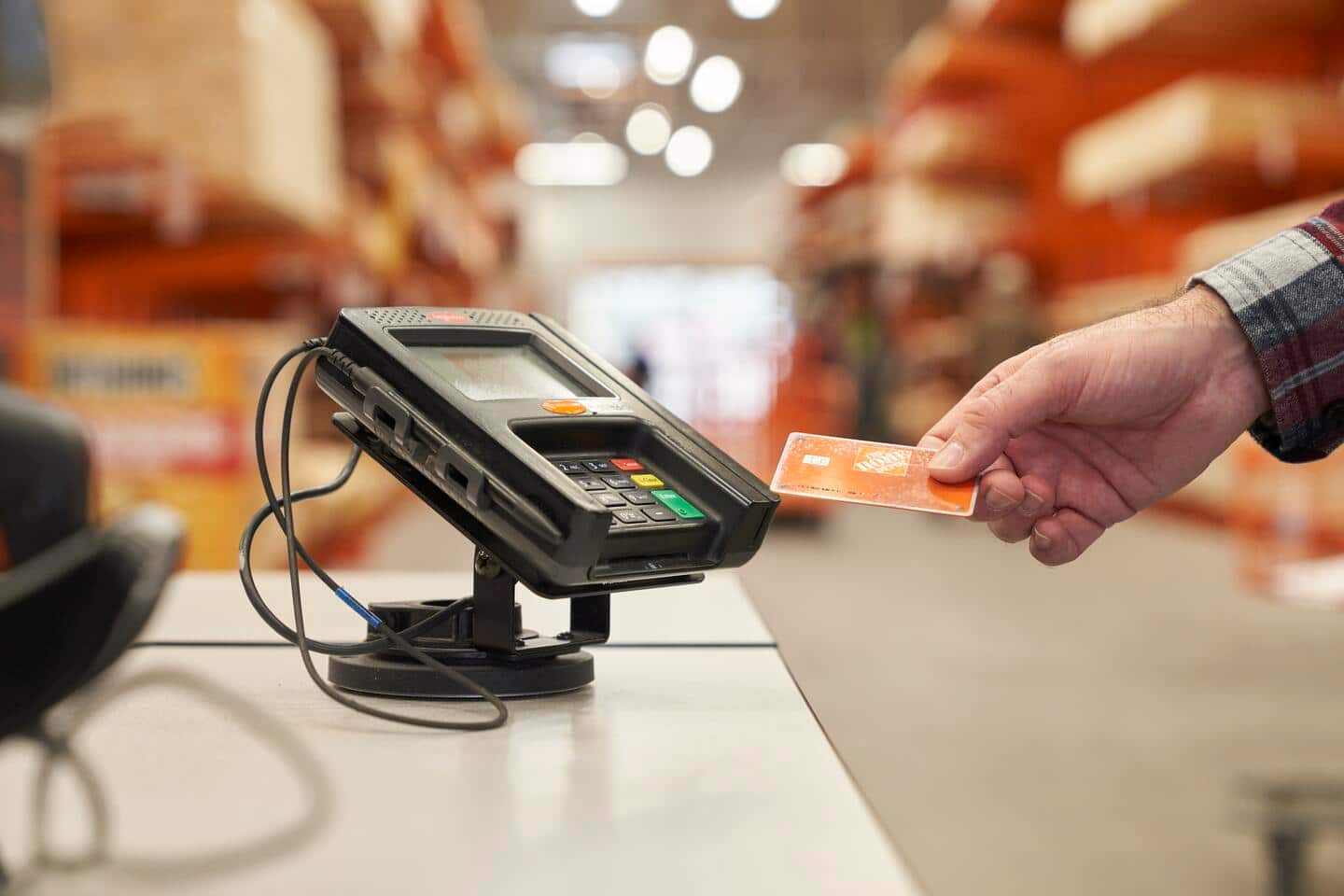
Find the Right Card for You
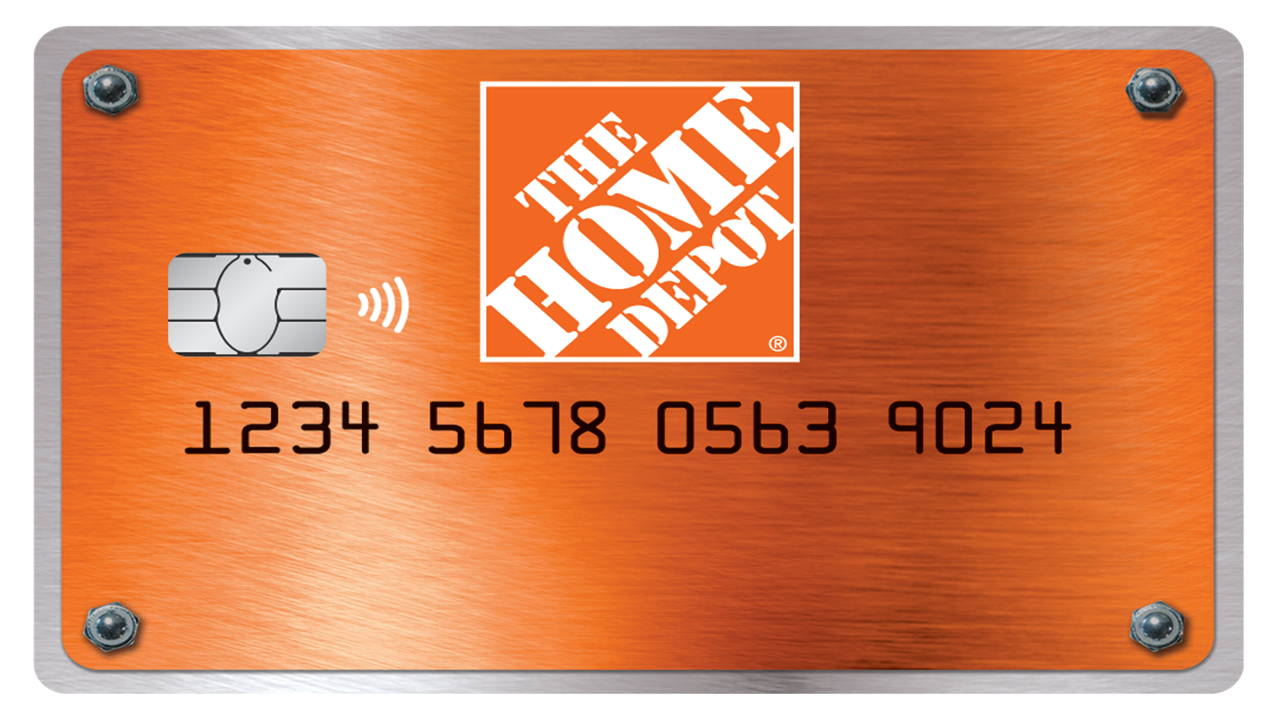 "Consumer Credit Card")
 "Project Loan")
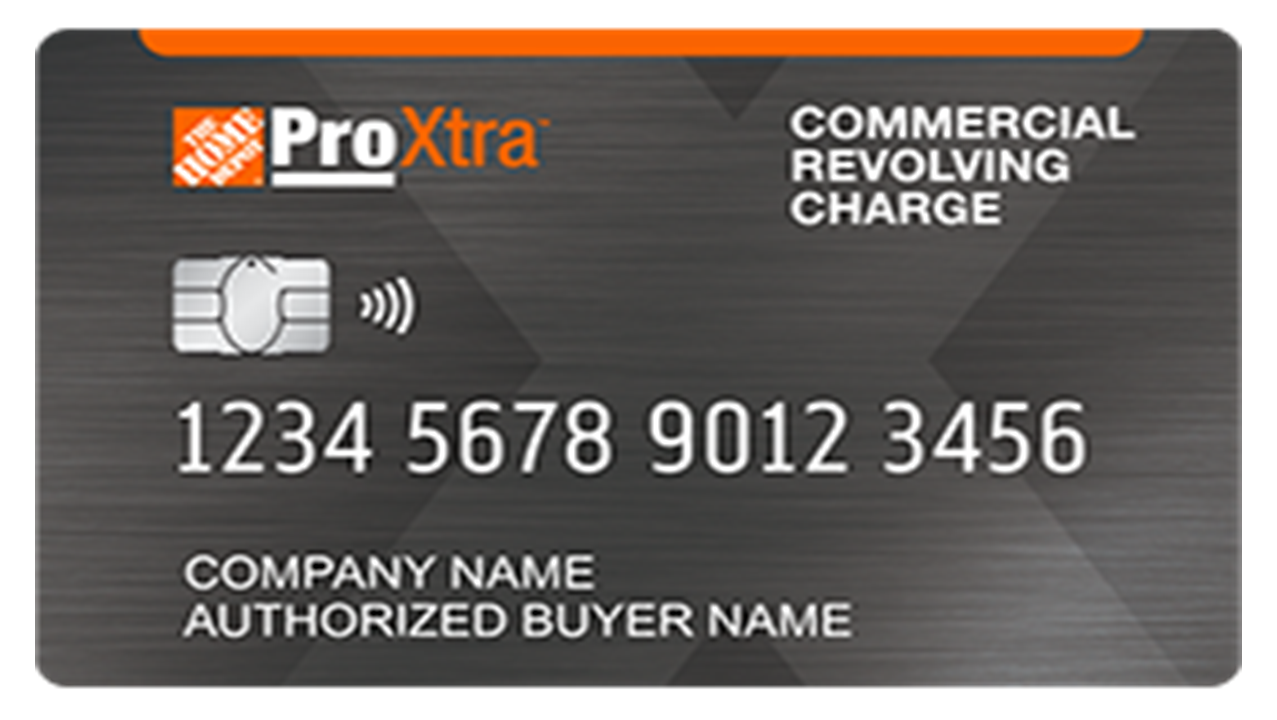 "Pro Xtra Credit Card")
 "Commercial Credit Card")
General Credit FAQs
What should I do if my Home Depot credit card is lost or stolen? To report your card lost, stolen, or that it was never received, please log into your Citi account, select the Report a Lost or Stolen Card Option under the Help & Contact Us Menu. You can also call the toll free number associated with your card, listed above, for more help.
What should I do if I have a dispute? You can call in your dispute at the number on the back of your card or fill out a dispute form. The dispute form can be located by:
• Log into your Citi account online • Locate the charge you wish to dispute in your transaction line on Account Activity and select Dispute this Charge • Choose Dispute a Charge from the Payments menu • Choose Dispute a Charge from the Help & Contact Us menu

Account Security
How can I protect my account while traveling? • Remember to get your card back when you are purchasing goods or services. • Do not leave your card in hotel rooms or exposed for long periods on restaurant tables. The card number can be copied, even if the card is not taken. • Make sure you retain all copies of your receipts when making a purchase. • In addition, if your card is lost or stolen, contact Consumer Credit Card Customer Service toll free immediately to help reduce any risk. If you are traveling abroad, contact Customer Service at the number on the back of your card to obtain the collect phone number to call for assistance.
How do I delete my personal information from my smartphone or computer? Follow the instructions on your computer or smartphone to delete the cache on your device and protect your information.
Authorized Users
How do I add an Authorized User to my account? If you are eligible, you may add an Authorized User to your account through the Citi online process. Log into your Citi account online. Go to Account Profile menu and select Add Authorized Users.
How do I remove an Authorized User from my account? Use the Citi online process to remove an Authorized User. Log into your Citi account online. Go to Account Profile menu and select Manage Authorized Users.
What can't an Authorized User do? • Close the account • Add another Authorized User • Request a lower APR • Request a Billing Date Change
What can an Authorized User do? • Report any lost or stolen cards • Obtain account information • Initiate billing disputes • Request statement copies • Make payments • Be granted online access • Inquire about fees
Disputes
Where do I get a dispute form? • Log into your Citi account online • Locate the charge you wish to dispute in your transaction line on Account Activity and select Dispute this Charge • Choose Dispute a Charge from the Payments menu • Choose Dispute a Charge from the Help & Contact Us menu
Information Update
Updating Contact and Account Profile Information To change your address, please log into your Citi account online, choose the Account Profile menu at the top of this page, then select Edit Contact Information.
How do I change my name? If your name has changed or will change within the next 30 days because of marriage, divorce, addition or correction of a middle initial, a suffix or a prefix (other than the addition of Jr. or Sr) complete your request online. Log into your Citi account online. Go to the Account Profile menu at the top of this page, then select Edit Contact Information.If your name change is for any other reason, please submit your request in writing to the address listed in the Contact Us page. Please include the following with your request:
• The account number • The reason for the change • Your signature
Proper documentation should be one of the following: • The file number from a naturalization document • A copy of your Social Security Number card • A copy of your driver's license • A payroll receipt • A copy of passport
How do I request a credit limit increase? Please select Email Customer Service from the Help & Contact Us menu at the top of this page to request a credit limit increase or decrease. Note: Future credit limit increase requests will be subject to account and credit review.
How do I request a copy of my Card Agreement? To request a copy of your Card Agreement, please sign on and select the Contact Us tab, then click the "Send message" link under the E-mail section or call Consumer Credit Card Customer Service.
Lost or Stolen Cards
Can I make an online payment the same day I change bank information or enroll? Yes. However, for your security, you may need to answer additional questions as you make your payment online.
How do I report my card lost, stolen or that it was never received? To report your card lost or stolen, please log into your Citi account online and select the Report a Lost or Stolen Card option under the Help & Contact Us Menu above.
For more help, call Consumer Credit Card Customer Service.
Managing Credit
Where can I view my Annual Percentage Rates (APR) online? You can view the Annual Percentage Rates (APR) for your account on your statement. Log into your Citi account online. Go to the Account Activity menu and select Statements, then choose a statement date to view the APR.
Payments
How is my payment applied to my account? Citi generally applies payments in excess of the Minimum Payment Due to higher APR balances first. However, when you have a deferred interest promotion on your account that is expiring within the next 2-3 billing cycles, Citi will apply your payment first to the Minimum Payment Due and then to the expiring deferred interest promotional balance before other balances. This may allow you to pay off your deferred interest promotional balance before it expires and help you to avoid interest on the deferred interest promotional balance that might otherwise be billed to your account. Payments in excess of the Minimum Payment Due that are received before a deferred interest promotion expires are applied to the deferred interest promotional balance first in the last two billing cycles of the promotional period. If the expiration date of a deferred interest promotion is before the payment due date in the billing cycle in which the deferred interest promotion expires, excess payments received before the deferred interest promotion expires are applied to the deferred interest promotional balance first in the last three billing cycles of the promotional period.
Can I request to have my payments applied in a different manner? Citi currently allows you to reallocate payments in excess of the Minimum Payment Due if you have an active deferred interest promotional balance on your account, provided the payment has already been posted to your account. To request reallocation of a payment, please contact Customer Service at the number on the back of your card for assistance.
How do I avoid interest charges on my deferred interest promotion? If you wish to avoid interest charges on a deferred interest promotional balance, the entire outstanding promotional balance must be paid in full by the promotion's expiration date.
What is my credit card account payment address? To find the payment address for your credit card account, just log into your Citi account online, select Contact Us from the Contact Us menu at the top of the page.
What are Late Payment Warnings? Late Payment Warnings are intended to help make credit card customers more aware of payment due dates and of the implications of paying late. We are required to display these warning messages on periodic statements by the CARD Act of 2009 and the revised Truth in Lending Act.
Am I able to request a hold on my payment? Citi is unable to hold payments to be applied at a future date. Please allow 5 to 7 days for mailed payments to be received and posted to your account.
How can I pay my bill immediately? To make online payments at no charge, click the Payments menu, then click the link to add a payment account or make a payment. For an external source, you'll need your bank account number and ABA routing number to complete the process. This will authorize your bank to electronically debit your checking or savings account to pay your bill. Remember, your payments will not be made automatically unless you enroll in AutoPay. You will need to sign on each month to make a payment request. Please note: If our system cannot validate your bank information after your first payment, you may have to wait up to 15 days to make an additional payment online.
How is the minimum payment due calculated? Please review your Card Agreement to determine the minimum payment due calculation. If you would like to request a Card Agreement, please log into your Citi account online and select Email Customer Service from the Help & Contact Us menu to send us your request. How long does it usually take for a mailed payment to arrive? For payments sent by mail, please allow 5-7 days for your payment to reach us.
What happens if my payment is returned? If a payment is returned to us, we will submit it a second time for collection of funds. If the payment is declined after the second request, the account will be considered past due if a separate payment is not made by the due date.
What will happen if I mail my payment to the wrong address? There may be a delay of up to 5 days in crediting a payment if it is addressed to a location other than the address listed on the return envelope or on the front of the payment coupon.
When will my consumer credit card payment be credited? Citi Consumer Credit Cards (does not include Business Credit Cards) Crediting of Payments by Mail: If we receive your payment in proper form at our processing facility by 5 p.m. local time there, it will be credited as of that day. A payment received there in proper form after that time will be credited as of the next day. Allow 5 to 7 days for payments by regular mail to reach us. There may be a delay of up to 5 days in crediting a payment we receive that is not in proper form or not sent to the correct address. • Enclose a valid check or money order. No cash or foreign currency please. • Include your name and last four digits of your account number on the front of your check or money order. For Consumer Credit Cards: Crediting of Payments Other Than By Mail:The payment cutoff time for Online Bill Payments, Phone Payments, and Express mail payments is midnight Eastern time. This means that we will credit your account as of the calendar day, based on Eastern time, that we receive your payment request.
Why haven't you posted or received my payment? If you sent your payment by check more than 7 days ago, please contact your bank to find out if the check has cleared. If the check has cleared your bank, please request a copy of the front and back. When you receive the copy, please call Customer Service at the number on the back of your card for assistance.
Am I able to cancel an online payment? Yes. If your Online Bill Payment or Phone Payment is not being processed, you can edit or cancel scheduled payments online. Online Bill Payment and Phone Payment requests will be processed before midnight ET on the payment date you specified and will be credited to your account as of that calendar day.
Can I make an online payment the same day I change bank information or enroll? Yes. However, if our system cannot validate your bank information after your first payment, you may have to wait up to 15 days to make an additional payment online.
How do I know if my bank accepts electronic debits for online payments? Check with your bank to make sure they accept electronic debits from your account. Some financial institutions use unique ABA routing and account numbers for electronic payments. To avoid any delay, verify the information with your financial institution before setting up online payments.
How do I make extra online credit card payments? You can enroll up to 5 checking or savings accounts and schedule up to 1 payment per day within your current billing cycle. You can also schedule up to 4 future payments to be made beyond your current billing cycle, or 6 if you have a business account. You can still mail payments or call Customer Service to make a payment by phone.
If I set up online payments, can I still mail my payments? Yes, you can still mail your payments after you set up online payments.
Am I able to change my due date? To change your Payment Due Date, log into your Citi account online, roll over Tools & Services in the menu above and select "View and Update Card", then choose Change Your Payment Due Date. Please note • You will only see the option to change your payment due date if your account is eligible. • You can change this date only once every 3 months. • When you change your Payment Due Date, it will take from 1-2 billing cycles, depending on when you make the change.
What is my due date? Your due date is available on the Account Home and Current Activity pages of your online Citi account.
Why am I being prompted to call Customer Service for promotional details? You will be prompted to contact Customer Service if more than 20 promotions are available on your account.
How do I avoid interest charges on my deferred interest promotion? If you wish to avoid interest charges on a deferred interest promotional balance, the entire outstanding promotional balance must be paid in full by the promotion's expiration date.
Why am I not able to view my promotional balance? You may not be able to view your promotional balance because the promotion may have expired, and the balance has now been transferred into a revolving balance.
Replacement Cards
How do I report my card lost, stolen or that it was never received? To report your card lost, stolen, or that it was never received, please select the Report a Lost or Stolen Card Option under the Help & Contact Us Menu above.
How do I request a replacement card? To request a replacement card, go to Tools & Services menu at the top of this page and select Order a Replacement Card. For more help, call Consumer Credit Card Customer Service.
Statements
How do I request statements that are not available online? Log into your Citi account online, choose Statements and follow the instructions to "Request Archived Statements." Six statements can be requested at a time and will be ready to download in 1 to 2 days. Once available, statements remain online for 7 days.
Why am I having trouble accessing my online statements? Your statement may not be available online if it predates the time you became a cardmember, there was no account activity for a particular month or you had a $0 balance prior to 2002. System and product conversions can also affect availability. Also, if you are looking in the Immediately Available statements list on the Statements page, only your 12 most recent months of statements are available. Statements older than 12 months are available in the Archived Statements list. If you have converted accounts or your account number has changed due to lost or stolen cards, you might need to add the account. To do this from your Account Home, log into your Citi account online, click on Add Another Account to This User ID.
For further assistance, call Consumer Credit Card Customer Service.
What happens to my statements with a zero balance and no activity? We do not issue a credit card monthly statement if the account has a zero balance and no activity occurred during the billing cycle.
How do I request a copy of my statement? To view online statements, log into your Citi account online, choose Statements from the Account Activity Menu. Immediately Available statements will be viewable in PDF format. If your account is eligible, you may request an archived statement on the right hand side of the page. Archived statements will be viewable within 24-48 hours after the request is submitted.
Transactions
Why is my available credit less than the difference of my credit limit and balance? You may have pending Authorizations with merchants.
Why did I receive additional interest charges after I paid my balance in full? Please review your Card Agreement for interest charge information. To request a copy of your Card Agreement, please sign on and select the Contact Us tab, then click the “Send message” link under the E-mail section.

Project Loan Powered by Bread Pay® FAQs
What is a Project Loan powered by Bread Pay®? Project Loan powered by Bread Pay® is a simple and flexible payment plan that helps you pay for multiple purchases over time. Once approved, you can use your virtual card to shop at The Home Depot for up to six months or until you reach your credit limit.
Project Loan powered by Bread Pay® terms range from 60 to 120 months, with APRs from 0% to 9.99%, depending on your credit profile and available promotions.
Am I eligible to apply? To apply for Project Loan powered by Bread Pay®, you must be a legal U.S. resident, meet your state's legal age requirement for entering into contracts, and have the following: a valid U.S. government-issued photo ID, a U.S.-based phone number, and an email address. You may also need a mobile device compatible with a digital wallet.
To check your eligibility, we’ll need to verify your identity using the information provided in your loan application. This won’t impact your credit score.
Where can I shop with a Project Loan powered by Bread Pay®? Your Project Loan powered by Bread Pay® funds, accessible through a virtual card, can be used exclusively at The Home Depot for multiple purchases over a six-month period or until you reach your credit limit.
Your virtual card can be used for both online, in-store and in-home purchases. If you are placing your order online, gift cards are not available for purchase.
What is a virtual card and how can I use it to complete my purchase? A virtual card is a digital form of payment that can be used for in-store, in-home and online shopping. Once your Project Loan powered by Bread Pay® is approved, you’ll receive a virtual card exclusively for use at The Home Depot. To complete your purchase, simply add the card to your digital wallet and tap to pay, or manually enter the card details at checkout. Please note that your first purchase must be made within 30 days of approval, or your loan will be cancelled. After completing your first purchase, you can continue using your virtual card for up to six months or until you reach your credit limit.
How can I access my card? After your first purchase, you can access your virtual card any time in your digital wallet or through the Member Portal.
How many purchases can I make with my virtual card? You can use your virtual card for multiple purchases during the six-month spending window, as long as you stay within your approved credit limit and meet the minimum purchase requirement. You can find purchase requirements in your Loan Agreement on the welcome page.
Keep in mind, your virtual card needs to be used for at least one purchase within 30 days of approval, or your loan will be cancelled.
Does my available credit increase as I pay down my loan balance? No, your credit limit, or eligible amount, is set once your application has been approved and is available only for a six-month period.
Paying down your balance reduces what you owe and makes those funds available to spend again. If you make a return or a transaction is cancelled, those funds will also become available for use again. You can check your available credit anytime in the Member Portal.
Will my credit limit change after a refund is processed? Returns made within the six-month purchase window of your plan will be refunded to your virtual card, making the funds available to spend again. However, if the purchase window has closed, any refunds will be applied directly to your loan balance. While this reduces your outstanding balance, it does not make the funds available for spending. Please note that all returns are subject to the retailer’s return policy. To ensure seamless returns, add your virtual card to your digital wallet or securely store the card details for easy access.

Commercial Revolving Card FAQ
What is Joint & Several Liability? Joint and Several Liability means that both the business and the individual may each be held fully liable for all obligations under, and all amounts due on, the account in the event the company defaults. Today, we require all CRC applications to include a personal guarantor. A personal guarantee helps businesses that may not otherwise have enough credit history to be able to establish a commercial account. Giving us your personal guarantee will expedite the processing of your application, especially if you have a small or young company.

Commercial Account FAQ
What is a Personal Guarantee? Should I give you my personal guarantee? You will be held personally liable for all obligations under, and all amounts due on, the account in the event the company defaults. A personal guarantee helps businesses that may not otherwise have enough credit history to be able to establish a commercial account. Giving us your personal guarantee will expedite the processing of your application, especially if you have a small or young company.
All Commercial Card FAQs
What is a personal guarantee? A personal guarantee helps businesses that may not otherwise have enough credit history to be able to establish a commercial account. Giving us your personal guarantee will expedite the processing of your application, especially if you have a small or young company. By giving us your personal guarantee, you are held personally liable for all obligations under and all amounts due on the account, in the event the company defaults.
Should I give you my personal guarantee? Yes, if your company: • Has less than $2MM in annual sales or revenues • Is less than 2 years old • Has fewer than 10 employees • Or is a partnership or proprietorship
Can I make payments and manage my account online? Yes, you can make payments and manage your account online through Citi's online account portal.
What payment methods can I use? You can make payments by mail or online.
When do mailed payments post? For payments by regular mail, please allow 5-7 days for your payment to reach us. Payment must be received in proper form at our processing facility by 12 a.m. EST at the payment center to be credited as of that day. All payments received at the processing facility in proper form after that hour will be credited as of the following day. There may be a delay of up to 5 days in crediting a payment sent by mail if it is not in the proper form, or if it is addressed to a location other than the address listed on the return envelope or on the front of the payment coupon, or, for courier or express mail payments, to the Express Payment address.
Can I sign up for online-only statements? You will need to enroll and log into the Citi Account Online portal for your card • View and print up to a year's worth of recent statements and invoices • Receive an email notification when the monthly statement is ready to view • Access your account information online anytime
Can I track my purchases with my account? Yes, all purchases made on your Commercial Account or Commercial Revolving Charge Card are itemized on your monthly billing statement. You can also track purchases by purchase order, job name, job number or buyer name - the choice is yours.
How do I add or delete authorized buyers on my Commercial Account? Through Citi's online account portal, select the "Manage My Account" link, and then click on "Maintenance Request" to complete your addition/deletion. You may also fax your authorized buyer additions on company letterhead, to Home Depot Credit Services at 1-888-266-7308.
To delete an authorized buyer please call Home Depot Credit Services.
Lease-To-Own FAQs
What is Koalafi lease-to-own? Koalafi offers a simple, stress-free lease-to-own payment option designed for eligible customers who may not qualify for traditional credit or loans. It is not a loan or a credit card.
With Koalafi lease-to-own, Koalafi buys your items upfront so you get to enjoy them right away, you make affordable lease payments over time, you can pay off early and save on leasing costsª, and once all payments are complete, you'll own the item.
What is the Koalafi virtual card? The Koalafi virtual card is a one-time-use card you can use to lease eligible items at The Home Depot. If approved, you will receive a virtual card to use at checkout after signing a lease agreement with Koalafi.
What do I need to apply? You will need a SSN or ITIN, bank account info, and you must be 18 or older. A debit card is also required to set up the initial payment on your lease, though there are no charges if you choose not to check out using Koalafi.
Is Koalafi available in my state? Koalafi lease-to-own plans are not offered in Minnesota, Wisconsin, Vermont, or New Jersey. If you are shopping from one of these states, you may not be eligible to apply.
Does applying affect my credit score? No. Applying for a lease will not impact your FICO score.ᵇ
Is this a credit or debit card? No. This is a lease-to-own payment option, not a credit or debit card. It does not provide a line of credit.
Why does Koalafi require bank account information? Koalafi uses it as part of the lease approval process and to set up automatic payments.
What items can I lease? Appliances, blinds and window treatments, decor and furniture, home electronics, lighting and ceiling fans, outdoor power equipment, portable heating and cooling and air quality, smart home and security, and tools for personal use. Not all items in these categories are leasable. To learn more about what you can and can’t lease reach out to the Koalafi customer support team using the information at www.koalafi.com/thd-contact-us.
What items cannot be leased? Perishable and consumable items like fuel, fertilizers, plants, paint, food, and beverages. Permanently installed items like flooring, lumber, and HVAC. Gift cards, memberships and subscriptions. Items that must be licensed, titled, or are real property. To learn more about what you can and can’t lease reach out to the Koalafi customer support team using the information at www.koalafi.com/thd-contact-us.
How do I add items to my application? Once you have shopped and are ready to check out, go back to your Koalafi application and add each item to confirm leasability. Include a brief description, quantity, price, and any delivery or service fees. Your total purchase amount, including taxes, must be below your lease approval amount.
How do I get my lease card number? After entering your item details, confirm all items, service and delivery fees are included.ͨ Review and sign your lease agreement. Once you complete those steps, your unique one-time-use Mastercard number will appear on screen. You can then use that card number, along with the expiration date and CVV, to check out online at The Home Depot.
How long is my lease card valid? If you don’t use your card within 24 hours, the card and your application will be expired. If you made any initial payment, that payment will be refunded back to you.
Can I pay off my lease early? Yes. You have 90 days to pay off your lease early and save. Additional early purchase options are also available.
Can I return an item? Yes. Contact Koalafi customer support for help with eligible returns using the information at www.koalafi.com/thd-contact-us.
Will on-time payments help build my credit? On-time payments may give you an opportunity to build credit, as Koalafi reports positive and negative payment history to multiple credit bureaus.ᵈ