Caseta Smart Lighting Lamp Dimmer Switch Starter Kit with Smart Hub (P-BDG-PKG1P)

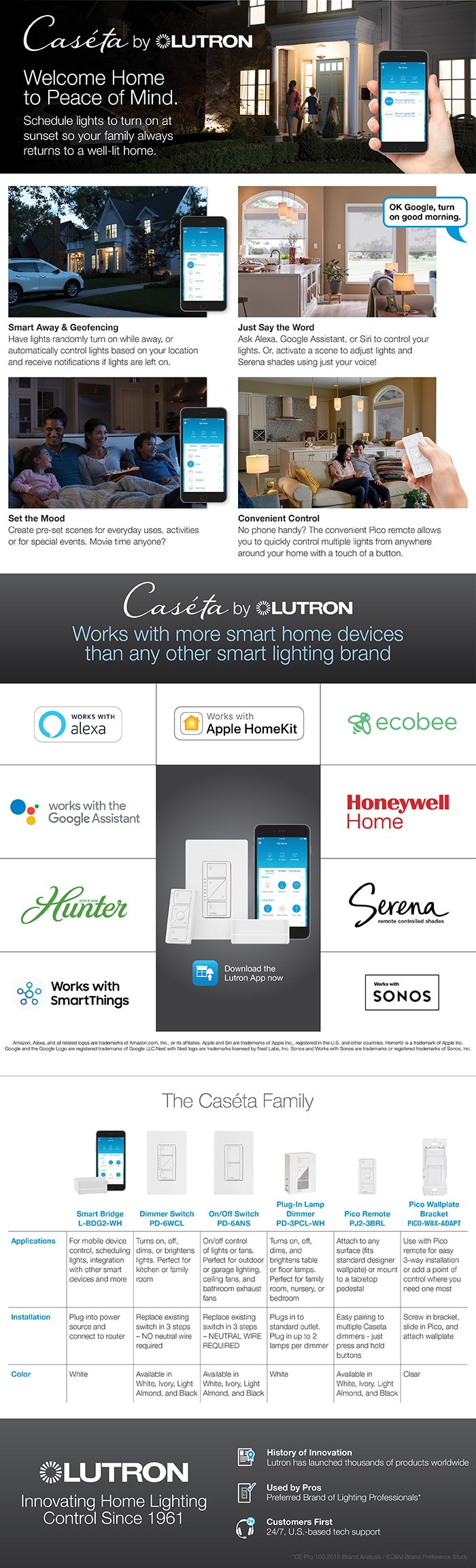
- Includes smart plug-in lamp dimmer, smart hub, and Pico remote
- Works w/Alexa, Google assistant, ring, and more
- Independently tested/certified to meet strict safety standards
- View More Details
Free & Easy Returns In Store
Return this item within 90 days of purchase.
Ask about this product
Get an answer now with AI
Magic Apron Assistant is an AI virtual assistant. By proceeding, you consent to the recording and use of your information by The Home Depot (and authorized third parties). More information
Product Details
About This Product
Discover a smarter timer with the Caseta Wireless Smart lamp Timer Kit. Simply plug in your floor or table lamps into the dimmer and set up the Lutron Smart Hub for control of your lights from anywhere using your mobile device. Schedule lights to adjust automatically based on the time of day, adjusting for sunrise/sunset throughout the year. Create the right light and recall your favorite lighting scenes via the app or use the Pico remote for instant control of lights. Starter kit includes (1) Caseta Wireless Smart Hub, (1) Caseta Wireless plug-in lamp dimmer and (1) Pico remote control.
Highlights
- Includes (1) Caseta smart lamp dimmer, (1) Smart Hub, and (1) Pico remote
- PEACE OF MIND: set lights to automatically adjust with changing seasons so your family always comes back to a well-lit home; you can also enable the smart away feature to randomly turn your lights on and off to look like you're home even if you're away
- MOST CONNECTED: Caseta connects with more leading smart home devices - including Amazon Alexa, Apple Home, the Google Assistant, Ring, Serena shades and Sonos - than any other smart lighting control brand
- CONTROL YOUR WAY: Caseta puts the smarts in the switch so you can control your lights a variety of ways - via the free Lutron app, your voice, or from the switch, you can create personalized schedules to turn on, off or dim lights at set times to best fit your everyday routines or activate favorite lighting scenes with the touch of a button
- RELIABLY SMART: the Smart Hub doesn't use Wi-Fi, so you get super-fast, ultra-reliable smart lighting that works right, without slowing your Wi-Fi down with more devices
- SET IT AND FORGET IT: Always keep your smart light functionality; even when the Wi-Fi goes down, there's no need to reset your schedules and scenes or reconnect everything when it comes back online
- CONVENIENT AUTO-OFF TIMER: Use the Lutron app to effortlessly add auto-off timers to lights and fans - Perfect for closets, bathrooms, garages, and laundry rooms.
- GET MORE, SPEND LESS: One Caseta smart switch can control many bulbs at once; make many bulbs smart, even your existing bulbs; get smart control of multiple styles of dimmable LED, incandescent and halogen bulbs
- SMART CONTROL OF PLUG-IN LAMPS: Simply plugs into a standard outlet and can be used with up to 2 floor or table lamps
- EASY 3-WAY SETUP: Create a 3-way by mounting the included Pico to almost any wall surface without cutting holes or pulling wire, with a Pico wallmount bracket (PICO-WBX-ADAPT sold separately); you can also replace existing 3-way switches by mounting the bracket and Pico over the backbox
- TECHNICAL DETAILS: Works with up to 100-Watt of dimmable LED light bulbs/CFL light bulbs or 300-Watt incandescent/halogen bulbs; not rated for low voltage applications (i.e. track or landscape lighting)
- UL Listed to show compliance with rigorous safety standards to prevent shock, fire and mechanical hazards
- Click here for more information on Electronic Recycling Programs
- Return Policy
Product Information
Specifications
Dimensions: H 4.56 in, W 2.93 in, D 0.33 in
Dimensions
Product Depth (in.) | 0.33 in |
|---|---|
Product Height (in.) | 4.56 in |
Product Width (in.) | 2.93 in |
Details
Amperage (A) | 0.83 A |
|---|---|
Circuit Connection | 3-Way, Single Pole |
Color Family | White |
Color/Finish | White |
Compatible Bulb Type | CFL, Halogen, Incandescent, LED |
Control Function | Dimmer |
Control Style | Push Button |
Dimmable Capability | Dimmable |
Features | Programmable, Remote Control Compatible |
Finish Type | Gloss |
Material | Resin |
Package Quantity | 1 |
Power Options | Plug-in |
Requires Hub? | Item is a Hub or Smart Assistant |
Returnable | 90-Day |
Smart Home | Smart Home Enabled |
Smart Home Protocol | Clear Connect |
Voice Control Hub Required | Alexa via Proprietary Bridge/Gateway Google Assistant via Proprietary Bridge/Gateway Siri via Apple HomeKit |
Voltage (V) | 120 V |
Wall Plate Included | With Wall Plate |
Wattage (W) | 100 W |
Works With | Alexa, Apple HomeKit, Ecobee, Google, Google Assistant, Homey, Logitech Harmony, Lutron, Proprietary App, Samsung SmartThings, Siri |
Warranty / Certifications
Certifications and Listings | UL Listed |
|---|---|
Manufacturer Warranty | 1 Year |
Questions & Answers
Will this work with Insteon products?
Hello, thank you for your inquiry, Jim. The Lutron Caseta Smart Bridge and Lutron App is only directly compatible with Lutron Caseta products, and therefore cannot connect directly to Insteon devices. Please see the below link for a list of integration partners Caseta works with: https://www.casetawireless.com/us/en/works-with. We hope this helps! If you have further questions, please feel free to contact our 24/7 support team directly at 1-844-LUTRON1 or by emailing us at support@lutron.com.
Will this work with Insteon products?
Hello, thank you for your inquiry. The Lutron Caseta Smart Bridge and Lutron App is only directly compatible with Lutron Caseta products, and therefore cannot connect directly to Insteon devices. Please see the below link for a list of integration partners Caseta works with: https://www.casetawireless.com/us/en/works-with. We hope this helps! If you have further questions, please feel free to contact our 24/7 support team directly at 1-844-LUTRON1 or by emailing us at support@lutron.com.
is it compatible with CLARE
Thank you for your inquiry. Please reach out to our Support Team at support@Lutron.com or by phone at 1 (844) 588-7661 for additional assistance.
Why do I need a bridge?
The Smart Bridge allows you to control your Caséta Wireless controls and Lutron Serena® remote controlled shades from anywhere with your smartphone, using the free Lutron App for Caséta Wireless. The bridge provides multiple benefits over Wi-Fi products: It is ultra-fast and reliable ensuring your lights react instantly every time you adjust them from the app or Pico remote control. The bridge prevents the cluttering of your Wi-Fi network by acting as the single point of connection to the cloud. It is also easier to set-up and enables more local control/integrations with other smart home products. For more information about the Lutron bridge, please visit: http://www.lutron.com/TechnicalDocumentLibrary/3685682_why_a_bridge.pdf
Why do I need a bridge?
The bridge allows your devices to talk to the switches. There are other manufactures that don't require a bridge or controller.
Bridge is required to communicate between your router hub and the switches etc. This helps to limit the number of assets directly communicating with your router and can allow some functionality even if the internet is down
The bridge is the go between from the switch to your phone
The Smart Bridge allows you to control your Caséta Wireless controls and Lutron Serena® remote controlled shades from anywhere with your smartphone, using the free Lutron App for Caséta Wireless. The bridge provides multiple benefits over Wi-Fi products: It is ultra-fast and reliable ensuring your lights react instantly every time you adjust them from the app or Pico remote control. The bridge prevents the cluttering of your Wi-Fi network by acting as the single point of connection to the cloud. It is also easier to set-up and enables more local control/integrations with other smart home products. For more information about the Lutron bridge, please visit: http://www.lutron.com/TechnicalDocumentLibrary/3685682_why_a_bridge.pdf
Is the smart bridge the first or second generation?
All Caseta Wireless Smart Bridges are second generation. Please see the following specification sheet for more information on the capabilities of this bridge: http://www.lutron.com/TechnicalDocumentLibrary/369816a_Smart_Bridge_Pro_Spec.pdf
I believe the first generation.
to the best of my knowledge this is the only generation of this device? I think you may be thinking of the Wink or SmartThings hub. Both of which I tried, but for me the Caseta was more what I wanted.
Not really sure as they don't state this in the paperwork. Here is the number they list on the unit L-BDG2 It also has this Model number. BDG-1. See picture.
Viewing 1-6 of 6
Customer Reviews
4.6 out of 5
5
39
4
7
3
4
2
0
1
2

Loading Recommendations
Compare Key Features
Product Snapshot | |||
|---|---|---|---|
Great for homeowners looking for smart lighting, making home automation easier and more efficient. | Ideal for customers who want smart lighting control, ensuring seamless integration with smart home ecosystems and personalized lighting experiences. | Ideal for customers who want smart lighting control, ensuring seamless integration with smart home ecosystems and precise dimming. | Perfect for homeowners looking for smart lighting control, making it easy to manage lights with your smartphone or voice. |
Type of Dimmer switch | |||
Rocker | Rocker | Tap | |
Compatibility with Smart Home Systems | |||
Multi-location Control | |||
Touch Sensitivity | |||
Remote Control | |||

Related Products
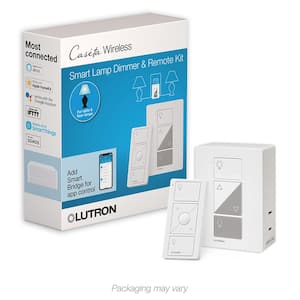
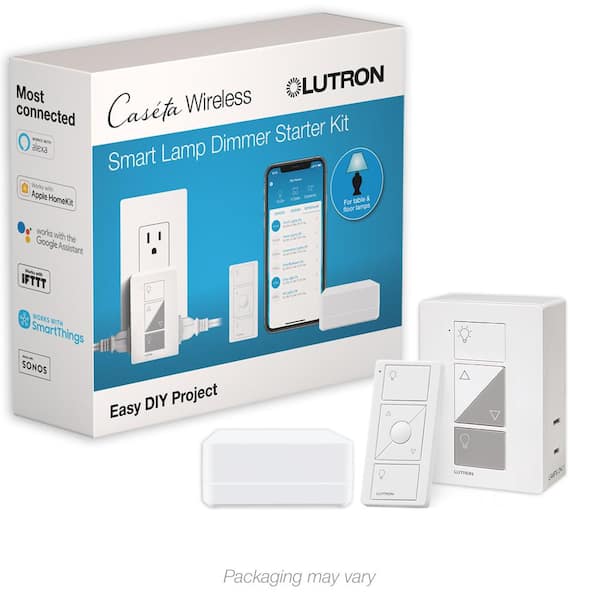
Caseta Smart Lamp Tap Dimmer and Remote Kit, for Table Lamps, 100-Watt/Single-Pole, White
Conveniently create just the right light for reading, watching TV or entertaining, with the Lutron Caseta Wireless plug-in lamp dimmer and Pico smart remote control. The plug-in lamp dimmer simply plugs into a standard outlet and can be used with up to 2 lamps. Control the lights from anywhere in the room by using the Pico remote control either in your hand, on a tabletop pedestal (sold separately) or by mounting the remote directly to the wall. Using a Pico remote control and wallmount bracket (wallmount bracket sold separately), you can add a new "switch" to almost any wall surface where there wasn't one before, without cutting holes or pulling wires. The remote lets you turn lights on/off as well as brighten or dim them. The remote also includes a button for saving your favorite light level. This dimmer works with up to 300-Watt of incandescent or halogen, 100-Watt of dimmable LED or dimmable CFL.
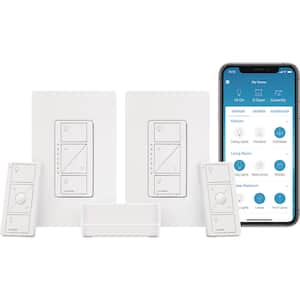
Caseta Smart Lighting Dimmer Switch (2 Count) Starter Kit with Smart Hub (P-BDG-PKG2W-HD)
The Caseta Wireless Smart Lighting Starter Kit provides simple and personalized control of your lights, shades and temperature. Control your lights from anywhere within your home with the included Pico remote controls or from anywhere in the world using the free Lutron app. Set lights to automatically adjust with spring and fall time changes, create personalized schedules to turn on, off or dim lights at set times to best fit your everyday routines or control lights with your voice via your smartphone. The included in-wall dimmers install easily with no neutral wire required, provide the best dimming performance for over 500 different dimmable LED bulbs and can be controlled from anywhere within the home with the included Pico remotes. To use dimmers in a multi-location application, replace the existing switch with a Pico remote control and wall plate Adapter (pico-wbx-adapt, sold separately).
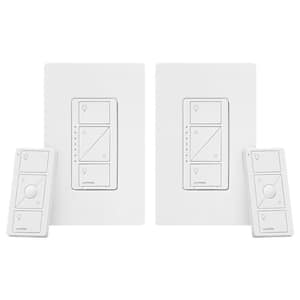
Caseta Smart Dimmer Switch and Remote Kit for Wall and Ceiling Lights, 150-Watt LED Bulbs (P-PKG1W-2PK-WH) (2-Pack)
Experience the ultimate convenience with the Lutron Caseta Wireless dimmer and Pico remote control. The wireless dimmer gives you the ability to set the right light for any activity whether it's reading, watching TV, entertaining or having a casual dinner. Control the lights from anywhere in the room by using the Pico remote control either in your hand, on a tabletop pedestal (sold separately) or by mounting the remote directly to the wall. You can even use the Pico remote to control the lights from your car as you arrive home. The remote lets you turn lights ON/OFF as well as brighten or dim them. With the Lutron Smart Bridge and app, you can control your Caseta Wireless dimmers with your Smartphone from anywhere. The dimmer works up to 600-Watt of incandescent or halogen and 150-Watt of dimmable LED or dimmable CFL.
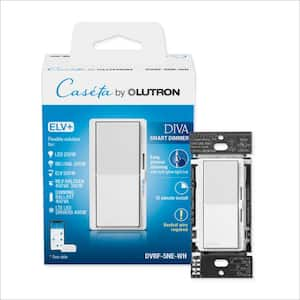
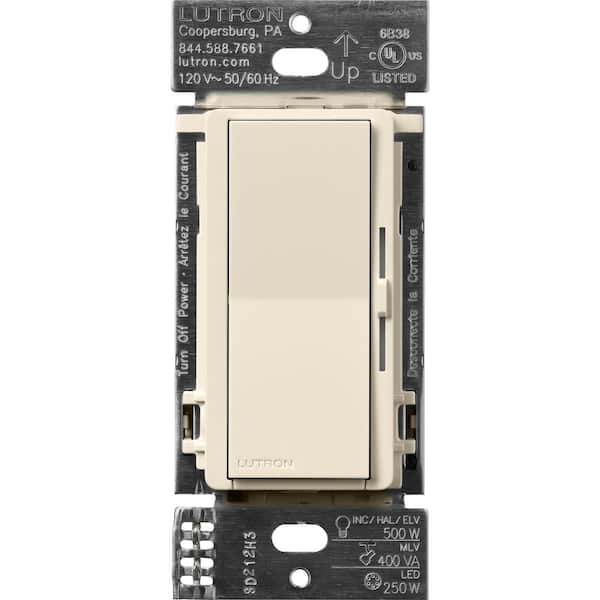
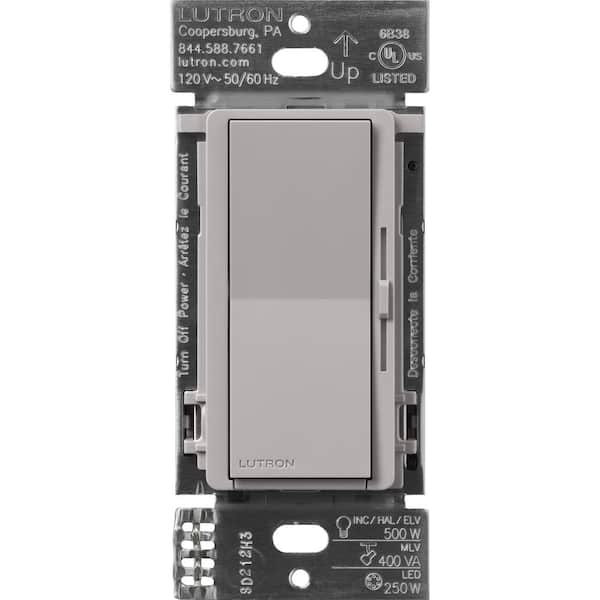
Diva Smart Dimmer Switch ELV+ for Caseta Systems, 250-Watt LED, Neutral Required, White (DVRF-5NE-WH)
Experience the best smart lighting experience with Lutron and the recognized aesthetic of the Diva smart ELV+ dimmer for Caseta lighting. Featuring the well-loved design of the Lutron Diva LED+ dimmer, unlock smart lighting for nearly any residential application including MLV/ELV loads. Add smart lighting control to undercabinet and track lights, tape lights, toe kicks and other accent lights. Easily install the Diva Smart ELV+ in as little as 15-minutes and set up the trim and phase control with a press of the button or using the Lutron app. Use the Diva Smart ELV+ in a 3-way using the matching Pico Paddle Remote (PJ2-P2B-GWH sold separately), Claro smart accessory switch, or a mechanical switch. If you want to control the load from more than 2-locations, use Pico remotes to unlock control at up to 10 different locations. The Diva smart ELV+ dimmer is a great solution for LED fixtures with integrated, built-in drivers, ELV track lights and problem LEDs that may prefer a reverse phase dimmer. The dimmer is also capable of controlling 250-Watt dimmable LED, 500-Watt incandescent/halogen/ELV, and 400-Watt MLV. Diva smart ELV+ dimmer, the most capable smart lighting control for nearly any residential light. Please note, coordinating wall plate for dimmer is sold separately.