Product Images
Top Rated
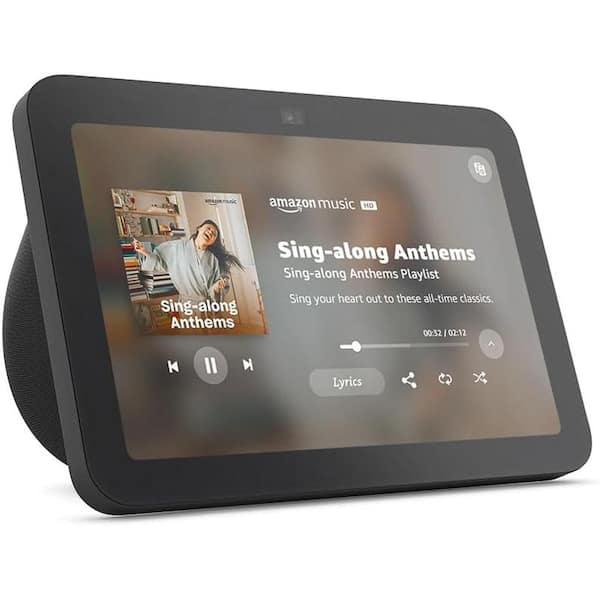
Echo Show 8 (3rd Gen) 8 in. HD Smart Display with Spatial Audio, Smart Home Hub, and Alexa (Charcoal)

- Entertainment, video calling, and showcase photos with HD display
- Pair and control smart devices with the built-in smart home hub
- Alexa voice commands and improved spatial audio for vibrant sound
- View More Details
Free & Easy Returns In Store
Return this item within 90 days of purchase.
Ask about this product
Get an answer now with AI
Magic Apron Assistant is an AI virtual assistant. By proceeding, you consent to the recording and use of your information by The Home Depot (and authorized third parties). More information
Product Details
About This Product
Echo Show 8-has better sound with room-filling spatial audio, better calling with a centered, auto-framing camera, and better smart home integration with a built-in smart home hub, all on an 8" HD touch screen. Play your favorites on repeat, call hands-free, scroll through old photos, and get updates on your home. All you have to do is say the word. Spatial audio fills your space with sound while room adaption technology automatically analyzes the acoustics of your room, fine-tuning playback for optimal sound. Hear every moment from your favorite shows and music-the sound stays rich no matter what you're listening to.
Highlights
- Better inside and out - entertainment is more immersive with spatial audio and an 8 in. HD touchscreen; video calling is crisper with high-quality sound and a 13 MP camera; and your home is more connected than ever with the built-in smart home hub
- "Alexa+ is free with Prime Echo Show 8 is designed for Alexa+.A Prime membership or a subscription to the Alexa+ Standard plan is required to use Alexa+ on compatible devices. "
- Smart home, simplified - pair and control devices compatible with Zigbee, Matter, and Thread without a separate smart home hub; manage cameras, lights, and more using the display or your voice, or activate routines via motion; also supports connectivity via bluetooth and wifi
- Saty in the loop - video call hands-free using your voice, or use the new top connections widget to call with one tap; it also lets you know when your closest friends and family are free to chat; have more natural video conversations with a centered, auto-framing camera and noise reduction technology
- Show off your good times - Amazon photos turns your home screen into a digital frame of favorite memories, and adaptive color makes them look great in any light. coming soon; invite family and friends to share photos to your Echo show
- Do less to get more - use your voice to set timers and update lists; glance at your calendars and reminders; and with adaptive content, you'll see more useful and engaging content when you're near the device
- Designed for sustainability - device is made from 29% recycled materials; 99% of this device packaging is made of wood fiber-based materials from responsibly managed forests or recycled sources
- Vibrant sighs, full sound - content on prime video, Netflix, Fire TV channels, and more comes to life with an HD display and room-filling spatial audio; ask Alexa to stream Amazon Music, Apple Music, or Spotify; subscriptions for some services required
- Click here for more information on Electronic Recycling Programs
- Return Policy
Product Information
Specifications
Dimensions: H 4.201 in, W 5.467 in, D 7.89 in
Dimensions
Product Depth (in.) | 7.89 in |
|---|---|
Product Height (in.) | 4.201 in |
Product Width (in.) | 5.467 in |
Details
Color Family | Black |
|---|---|
Color/Finish | Charcoal |
Network Connectivity | 802.11b/g/n/ac |
Operating System Compatibility | Fire OS |
Pack Size | 1 |
Power Type | Corded |
Returnable | 90-Day |
Warranty / Certifications
Manufacturer Warranty | 1-year limited warranty and service included. |
|---|
Questions & Answers
Can it be used without a subscription as a media streamer only, such as for mostly listening to YouTube videos, but also displays the video while doing chores in a room without a computer or tv?
Hi Sauce! You don't need any subscriptions to use the Echo Show 8, and you can just ask Alexa to pull up YouTube if that's your streaming platform of choice. If you're looking for a more portable option, consider checking out the Fire HD 8 tablet which also features a hands free Alexa mode. You'll have access to YouTube that way, as well as a variety of other free streaming services that the Echo Show 8 doesn't support. I hope that helps, have a great rest of your day!
Is this monitor compatible with Tuya video camera system?
Hello Tuya, Yes, Tuya cameras are compatible with the Echo Show 8. In order to view your Tuya Camera system on an Alexa device you will need to enable the "Tuya" or "Smart Life" Skill. You can do this by simply saying "Alexa, Enable Tuya Skill" or "Alexa, Enable Smart Life Skill". The easier way to do this would be on the Alexa app on your mobile device. On your Alexa App, you can click "More" Followed by "Skills & Games" search for the desired skill and click "Enable". Once the skill is enabled the App will require you to enter in any personal login information for your Tuya Video System. Once the login is complete you will be able to simply say "Alexa, show me (Tuya camera name)" and it will display on the Alexa Screen. I hope this helps!
Will this work with eufy security cameras
Hello Wink, You want to know if the Amazon Echo Show 8 (3rd Generation, 2023 release) will work either eufy security cameras. The Amazon Echo Show 8 (3rd Generation, 2023 release) will work with the eufy security cameras by enabling the eufy skills in your Alexa app. You’ll be able to enable it by selecting Skills from the Alexa more options. Hope this has answered your question. Have an amazing day!
Does This Echo 8 Have the Security Camera Feature Like The Echo 10?
Hello and thank you for asking this question. Both the Echo Show 8 and the Echo Show 10 support the Home Monitoring security feature. After this is enabled in the devices settings the cameras can be viewed through the Alexa application. I hope this answers your question and that you have a great day.
HOW DO I KEEP PLAYING MUSIC VIDEOS AT FULL SCREEN FORMAT AND NO COMMERCIALS??
Hi Yakdeans! If you're just looking to listen to music, you can use all sorts of streaming services via Alexa on the Echo Show 8. Just use the free Alexa app to sign in and set your default music streaming services. For music videos on YouTube in particular, you'll most likely need to sign in to YouTube with a Premium account directly on the Echo Show 8's browser. To get started, just ask "Alexa, open YouTube" and then use the touch screen to sign in. I tried it out on mine and it worked just like you'd expect, with autoplay on new videos started up after a short delay even in full screen mode just fine. I hope that helps, have a great rest of your day!
Does this sync with your iPhone11 and does your FaceTime video calls show up and sound clear w/this as well? We facetime our granddaughter in Australia on my phone and I was just wondering about the ability to do this. We have the Firestick 3 and 4 Gen
Hi Echo! While the Echo Show 8 is great for making video calls via the built-in Alexa calling, Skype or Zoom, FaceTime is exclusive to Apple products at this time. While you could use the Bluetooth feature to use the Echo Show 8 to listen to your connected FaceTime call, there is no way to make or receive a FaceTime call directly from the Echo Show 8. This generation of the Echo Show 8 features a 13MP camera with auto-framing, and can video call anyone using the free Alexa app, Zoom, or Skype. I hope that helps, have a great rest of your day!
Does it have YouTube for free?
Hello Arfie, Thank you for your question. You can simply ask "Alexa, open YouTube" and you will see a free version of it, via our internet browser called Amazon Silk. Hope this helps. Have a great day!
Will it connect to ring doorbell and show who is there?
Hi Dorbutboa, thank you for your question. You absolutely can connect your Echo Show 8 to watch your Blink Smart Video Doorbell on your screen. You can do this by enabling the Blink skill in the Alexa app. Then, all you'll need to do is say "Alexa, show me my cameras." Your Echo Show 8 will show you your Blink Doorbell, and up to 3 other "Works with Alexa" cameras that are set up in the Alexa app. Hopefully this helps. Have a great day!
Viewing 1-8 of 11
Customer Reviews
4.5 out of 5
5
47
4
7
3
4
2
2
1
2
 Customer review from Amazon DevicesCustomer review from Amazon DevicesCustomer review from Amazon DevicesCustomer review from Amazon DevicesCustomer review from Amazon DevicesCustomer review from Amazon DevicesCustomer review from Amazon DevicesCustomer review from Amazon DevicesCustomer review from Amazon Devices
Loading Recommendations
Compare Key Features
Product Snapshot | |||
|---|---|---|---|
Perfect for upgrading your home with spatial audio and an 8 in. HD touchscreen, adding style and functionality. | Ideal for smart home enthusiasts, the Echo Show 5 boasts enhanced audio, faster Alexa, and improved video calls for seamless connectivity. | Ideal for customers who want a smart display with premium audio, crystal-clear video calls, and robust smart home control. | Ideal for customers who want a vibrant smart display, ensuring seamless smart home control and entertainment. |
Voice Assistant Compatibility | |||
Sound Quality | |||
Room-filling spatial audio | Improved audio with deeper bass and clearer vocals | Room-filling spatial audio, crisper vocals, wider sound stage, up to 2x bass | Room-filling spatial audio, crisper vocals, 2x bass |
Display Size | |||
8 in. | 8.7 in. | 11 in. Full-HD | |
Smart Home Integration | |||
Music and Video Streaming Services | |||
Related Products
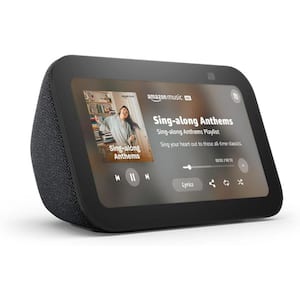
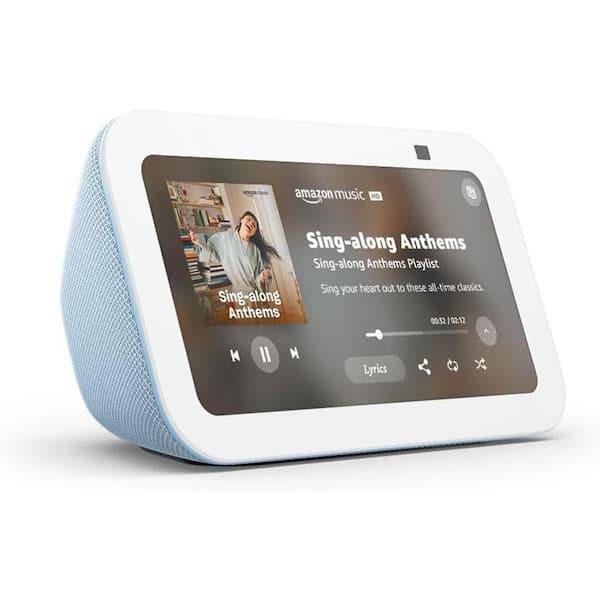
Echo Show 5 (3rd Gen), Smart Display with Deeper Bass and Clearer Sound, Cloud Blue
Echo Show 5 (3rd gen) offers improved audio with greater voice clarity and deeper bass and an additional mic for improved Alexa responsiveness. This generation also has a faster processer with AZ2 Neural Edge, new compact design that includes infinity edge cover glass and an improved screen for more comfortable nightime viewing. Alexa and Echo Show devices are built with multiple layers of privacy protection. This device has a mic/camera off button and built-in camera shutter. Plus you are able to delete your voice recordings at anytime.
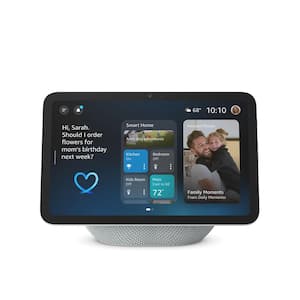
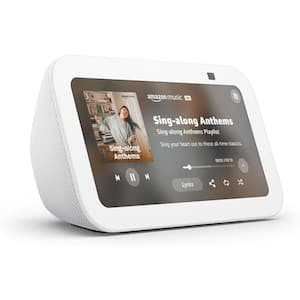
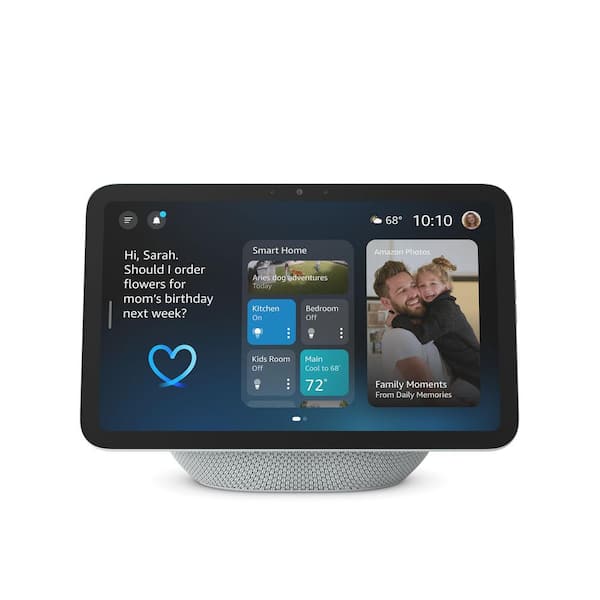
Echo Show 8 Vibrant HD 8.7 in. Display with Spatial Audio, Designed for Alexa Plus, Glacier White
When you buy a new Echo Show 8, you get access to our smartest, most intuitive and connected AI assistant yet. Chat casually without the perfect phrase, manage your compatible devices, use your voice to search meal prep options, book a reservation, organize the family calendar, and more. Echo smart displays have amicrophones & camera enable/disable button that disconnects the microphones and camera. You can enable or disable the camera with on-device or in-app controls. Continue interacting with Alexa when the camera is disabled.
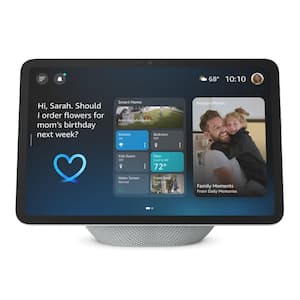
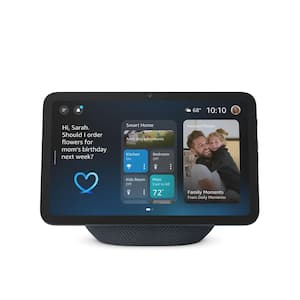
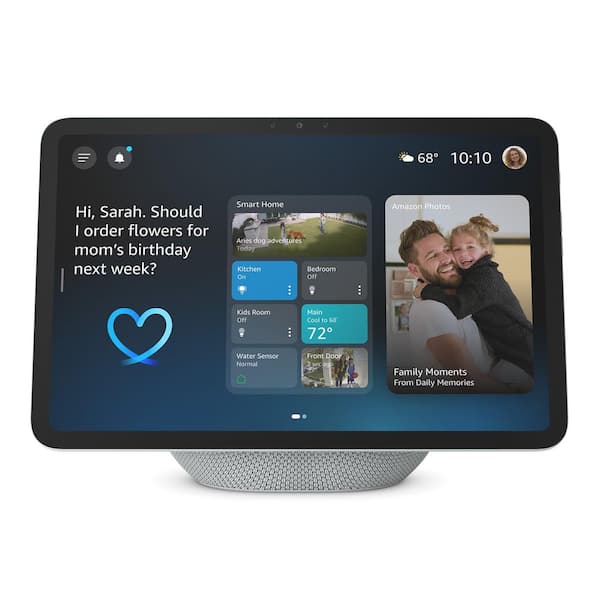
Echo Show 11 Vibrant Full-HD 11 in. Display - More Viewing Area and Spatial Audio, Designed for Alexa+, Glacier White
When you buy a new Echo Show 11, you get access to our smartest, most intuitive and connected AI assistant yet. Chat casually without the perfect phrase, manage your compatible devices, and, with its built-in sensors, Alexa is more efficient than ever at turning off the lights and keeping your home just the way you like it. Alexa+ will be free with Prime. Echo smart displays have a built-in microphones & camera enable/disable button that disconnects the microphones and camera.
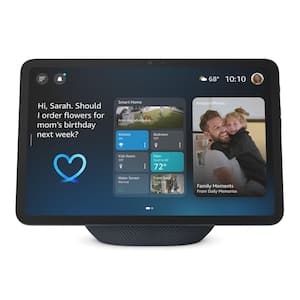
Echo Show 11 Vibrant Full-HD 11 in. Display - More Viewing Area and Spatial Audio, Designed for Alexa+, Graphite
When you buy a new Echo Show 11, you get access to our smartest, most intuitive and connected AI assistant yet. Chat casually without the perfect phrase, manage your compatible devices, and, with its built-in sensors, Alexa is more efficient than ever at turning off the lights and keeping your home just the way you like it. Alexa plus will be free with Prime. Echo smart displays have a built-in microphones and camera enable/disable button that disconnects the microphones and camera. You can enable or disable the camera with on-device or in-app controls. Continue interacting with Alexa when the camera is disabled.