How to Create a Project
New in Projects
Make a Material List Faster Than Ever
Enter Project Details for Estimated Quantities & Recommended Products at Record Speed
Get Started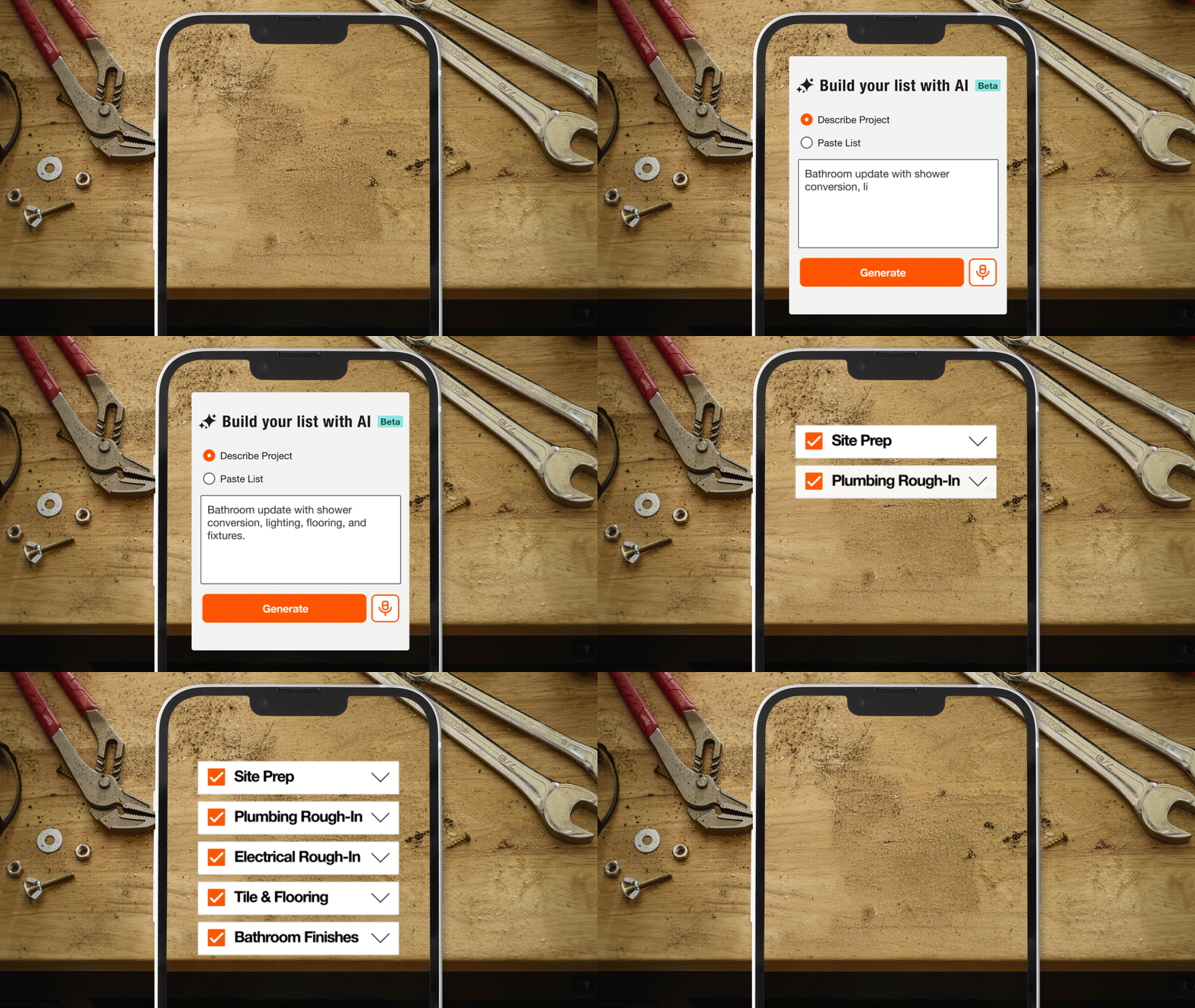




Presenting: AI Material List Builder
A new way to build Project Lists at the speed of AI. Watch how the tool can help you estimate faster, bid smarter and organize materials more efficiently.
USING THE PROJECTS TOOL
Build a Project
Create a Brand-New Project or Edit an Existing One
Add & Group Project Materials
Search & Add Items to Your Project or Try AI for Quick Assembly & Organization
Share the Details
Invite Collaborators in for Visibility on Job Planning While Keeping Your Preferred Pricing Private
Purchase Your Project
Build a Quote to Source Your Project, View Costs and Purchases in One Place
WATCH HOW THE TOOL HELPED A REAL PRO
Frequently Asked Questions
Projects help you manage jobs easier. They are an online tool for organizing materials, locking in prices and collaborating with your team. If you find yourself doing recurring or larger jobs, Projects can help you plan better.
To build a Project, select the Projects tool in the drop-down menu of My Account or move items from an existing List into a Project, making it easy to transition from planning to execution.
You can share Project details, confirm availability of materials and secure pricing inside of the Projects tool with your team. To share Projects with your team, click the share icon inside of a Project. Fill out a form describing the information that you’d like to share and enter your team member's contact information. This will allow you to send an invite link via email for collaboration access.
Only Purchasers or Admins can view or edit Projects. Non-users can view and comment on Project information shared with them by account Admins or Purchasers.
Your Projects never expire and will remain available until you delete them. Archive a Project to remove it from your Active Projects list while keeping the Project history. Simply set the Project status to "Archived" within your account.
Plan Your Project
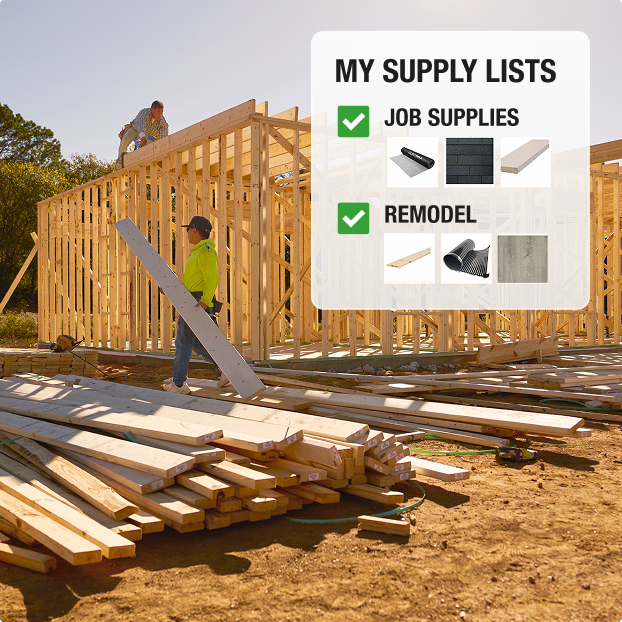
Product Lists
Save Go-To Materials
Add List Items to Projects or Quotes
Get AI-Powered Estimates
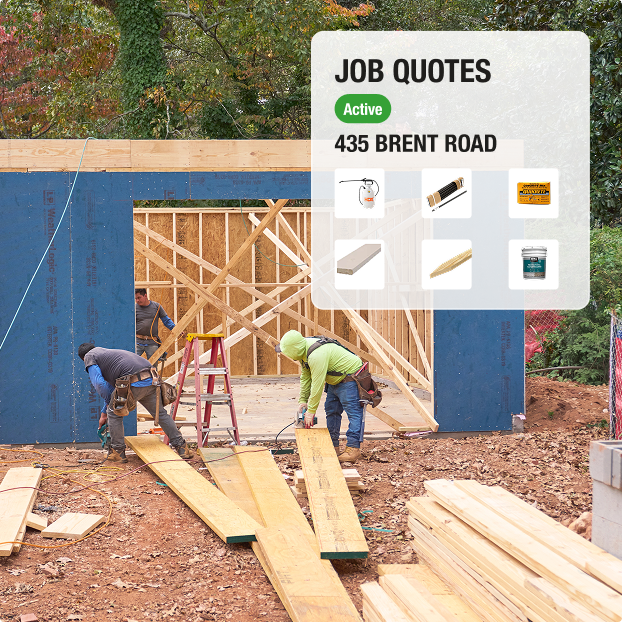
Job Quotes
Get One-Off Quotes or by Project Phase
Build Quotes Online or at The Pro Desk
Finalize Costs & Schedule Delivery
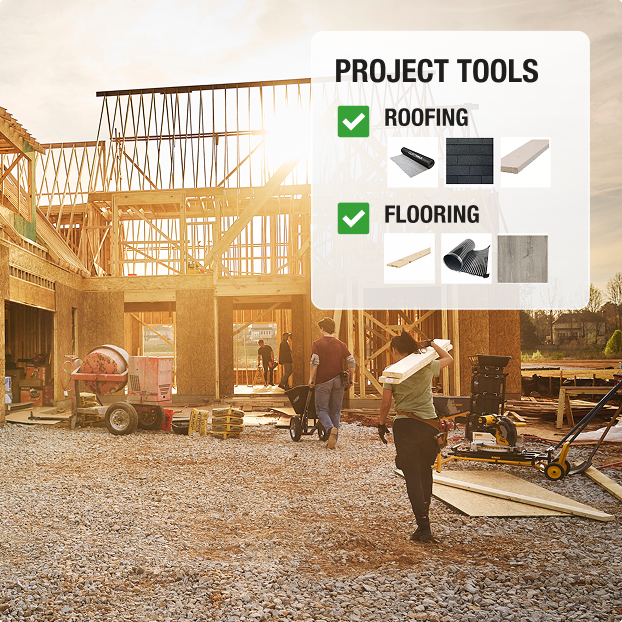
Projects Tool
Organize & Plan the Job
Collaborate with Your Team
Track Purchases
More for Pros