How to Create a Quote
QUOTE IT. SHARE IT. LOCK IT IN.
Finalize Costs, See Material Availability & Set Delivery—Right in Your Pro Xtra Account
Create a Quote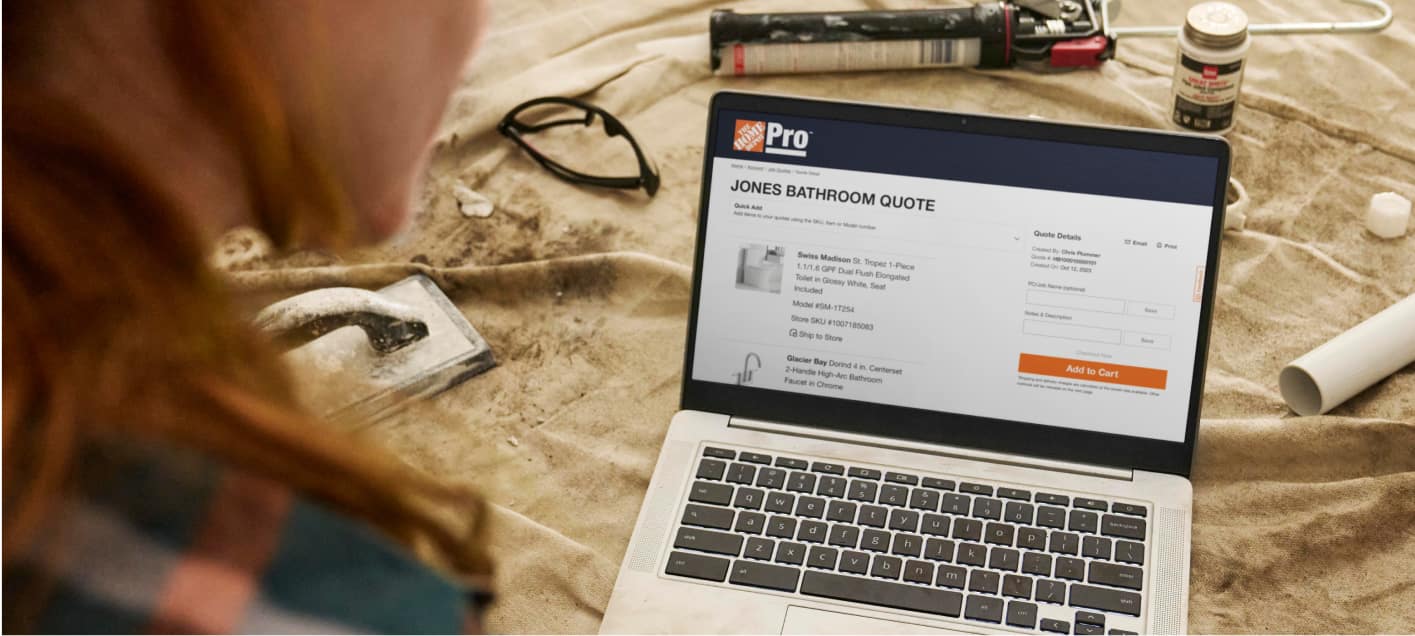



Get Started with Quotes
Create a Quote From Cart
Add the Items You Need to Your Cart and Select “Create A Quote” at Checkout
Create a Quote From Lists
Select Items From Your List and Click “Add to Quote”
Create a Quote From Product Page
Select Items From a Product Page and Click “Add to Quote”
FAQs
When you create a quote, pricing is locked in for seven days. When sharing a quote with a customer, you can choose to hide pricing including sales and Pro pricing.
The Home Depot has over 80,000 special order items that can easily be added to your quote to ensure that you can shop the whole job.
Yes, quotes can be edited after they have been created to accommodate material needs and changes to the project. Pricing on the quote will refresh based on changes.
We do not recommend allowing customers to complete a Quote check out. Preferred Pricing and other exclusive benefits are account-specific and cannot be transferred. For best results, use the Quote to confirm details and then place the order on their behalf.
No. Loyalty rewards are tied to the account that completes the transaction and cannot be transferred between accounts.
Plan Your Project
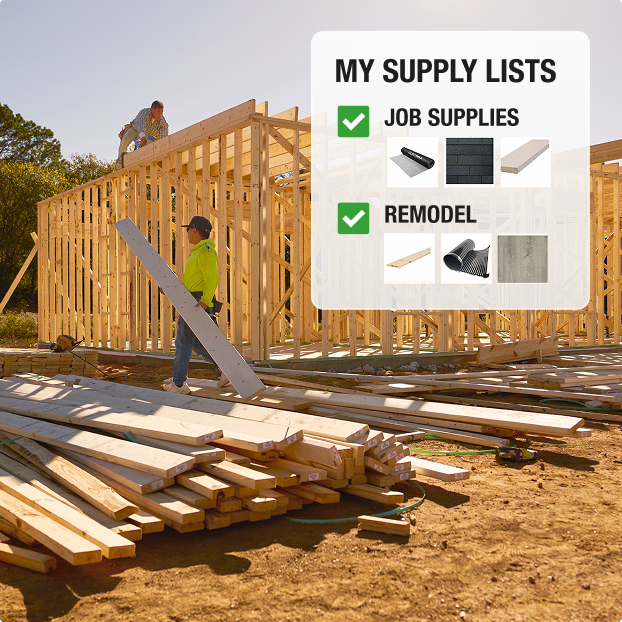
Product Lists
Save Go-To Materials
Add List Items to Projects or Quotes
Get AI-Powered Estimates
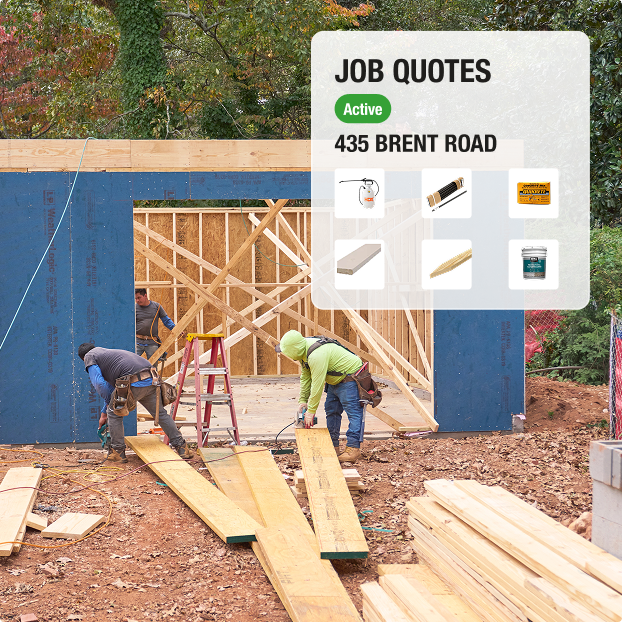
Job Quotes
Get One-Off Quotes or by Project Phase
Build Quotes Online or at The Pro Desk
Finalize Costs & Schedule Delivery
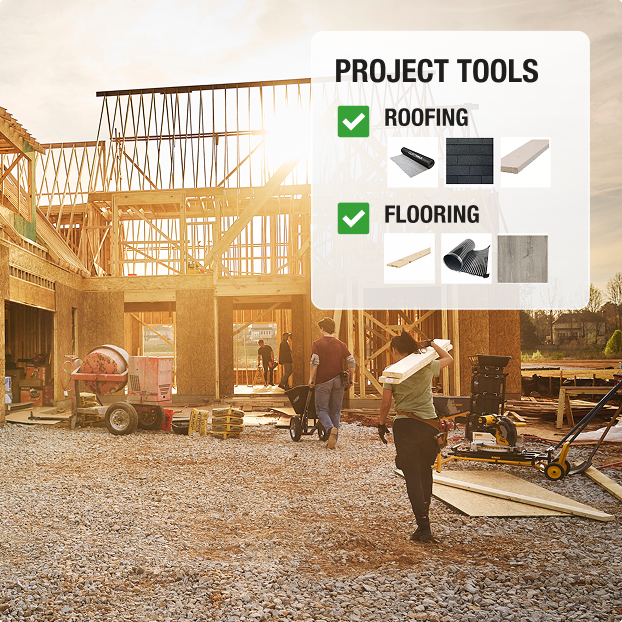
Projects Tool
Organize & Plan the Job
Collaborate with Your Team
Track Purchases
More for Pros