Pro Planning Tools
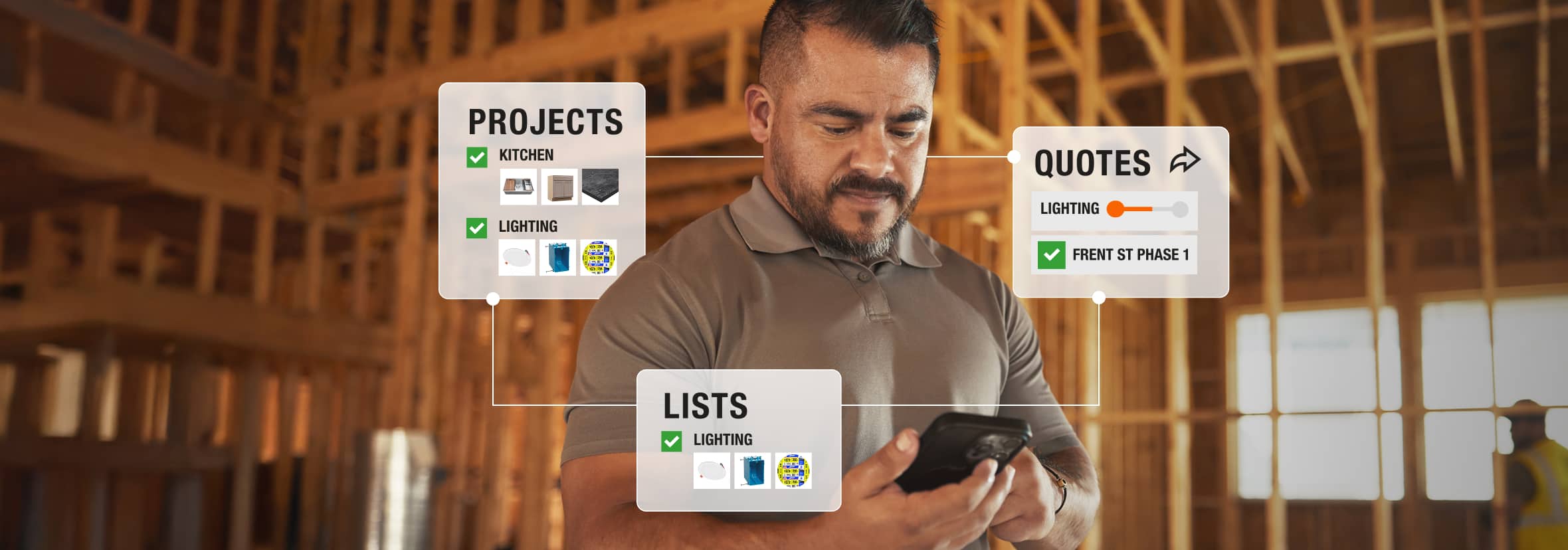
Plan Your Project
LISTS TOOL
Save Go-To Materials
Add List Items to Projects or Quotes
Get AI-Powered Estimates
PROJECTS TOOL
Organize & Plan the Job
Track Purchases
Collaborate with Your Team
QUOTES
Get One-Off Quotes or by Project Phase
Build Quotes Online or at The Pro Desk
Finalize Cost & Schedule Delivery
Get Started



Plan Your Project
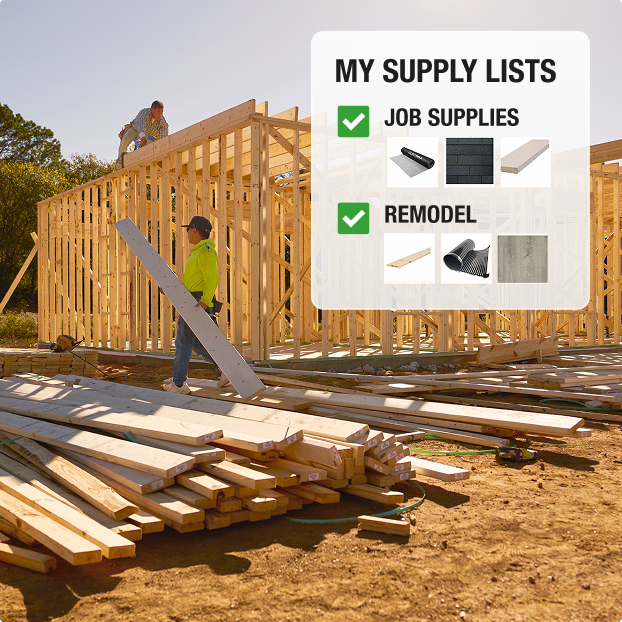
Product Lists
Save Go-To Materials
Add List Items to Projects or Quotes
Get AI-Powered Estimates
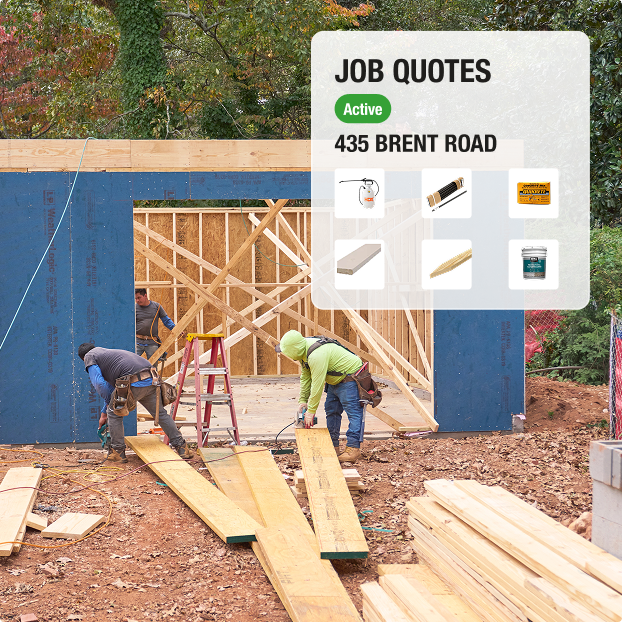
Job Quotes
Get One-Off Quotes or by Project Phase
Build Quotes Online or at The Pro Desk
Finalize Costs & Schedule Delivery
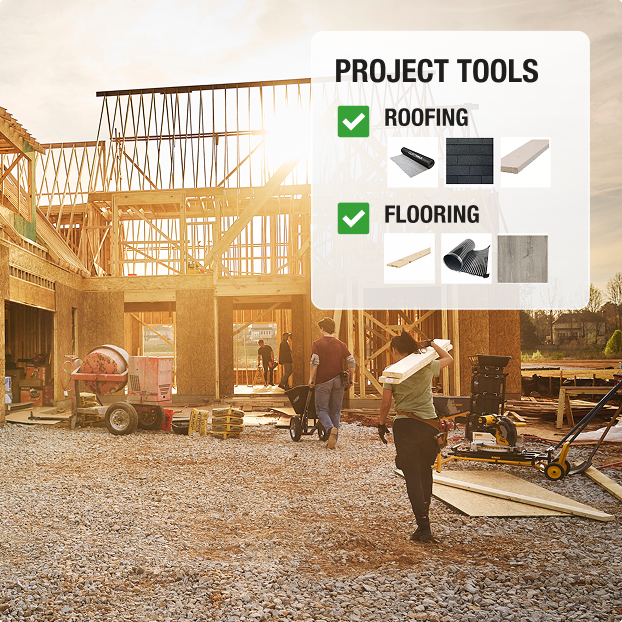
Projects Tool
Organize & Plan the Job
Collaborate with Your Team
Track Purchases

How Projects Speed Up the Job
Frequently Asked Questions
Yes, you can access these tools in the App in your Pro Xtra Account.
Yes, you can create Quotes from both Projects and Lists. In a Project, Quotes can be saved for specific jobs.
Yes, you can import your favorites list into a Project by selecting "Add Materials" then "Copy from an Existing List".
To share a project, select "Share" at the top of the Projects page. You are able to share the entire Project or select groups. You may also share or hide pricing. Upon selection, enter the recipient's email address to share.