How to Sync Your Pro Xtra Account to QuickBooks

Save Time. Stay Organized. Sync to QuickBooks®.
• Prepare for Tax Season Faster, Manage All of Your Purchases in One Place • Easily Track and Review Job Costs • Download Your Purchase History Directly Into Your QuickBooks® Account in Only a Few Minutes
More for Pros
![[object Object]](https://dam.thdstatic.com/content/production/GCTgVWSbEOhJh81iG-mVWA/5U9sfQ4Qqa7P661rAEy2gg/Original%20file/Pro%20Xtra%20Loyalty%20Program_T1.png?im=Resize=(703,703))
![[object Object]](https://dam.thdstatic.com/content/production/S6mm_6beOphsPB_cH8q51w/HwVfLzg0c3wfek5VhbfmsA/Original%20file/Bulk%20Pricing%20Pod_T2.png?im=Resize=(703,703))
![[object Object]](https://dam.thdstatic.com/content/production/8Sdxg9M4BRqckxNh_auXfQ/9qR0AAhLFKmzg_dyXOx7nA/Original%20file/Business%20Tools_T3.png?im=Resize=(703,703))
![[object Object]](https://dam.thdstatic.com/content/production/yRhO8bMBmiPCGVRoqbHTLw/yCjmYptG49j00R3jVs1Z1A/Original%20file/Preferred%20Pricing_T4.png?im=Resize=(703,703))
Supplies to Finish The Job
![[object Object]](https://dam.thdstatic.com/content/production/yVMEnaMIXFE3AX_YlyXdSw/qTi5iDpn8gnxJABfBPbHfg/Original%20file/2018_D22_893749_B.jpg?im=Crop,rect=(920.3279235151745,0,3515.2525252525256,3514);Resize=(703,703))
![[object Object]](https://dam.thdstatic.com/content/production/jJh24X5aEx7YDj38frHGJw/2Jm3GGWwNYac1HLdhZQLEw/Original%20file/1002336015_B.jpg?im=Resize=(703,703))
![[object Object]](https://dam.thdstatic.com/content/production/G3dCGKR1NwAJ7iEmQRcX3w/gHLecRnk6KX6SkBJWXim0A/Original%20file/AdobeStock_215605621.jpeg?im=Crop,rect=(1112.4,631.5230769230769,2394.3115384615385,2394.3115384615385);Resize=(703,703))
![[object Object]](https://dam.thdstatic.com/content/production/SGbaQpXAvdyj_Sbj4QUJkw/DHZr1xuGCDIgrz5mv9UStQ/Original%20file/74d4e781-602a-43c7-9c93-73bb2f0d9f23_Knauf_Rebrand12942.jpeg?im=Crop,rect=(1364.0128205128206,-0.04487179487179487,4480,4480);Resize=(703,703))
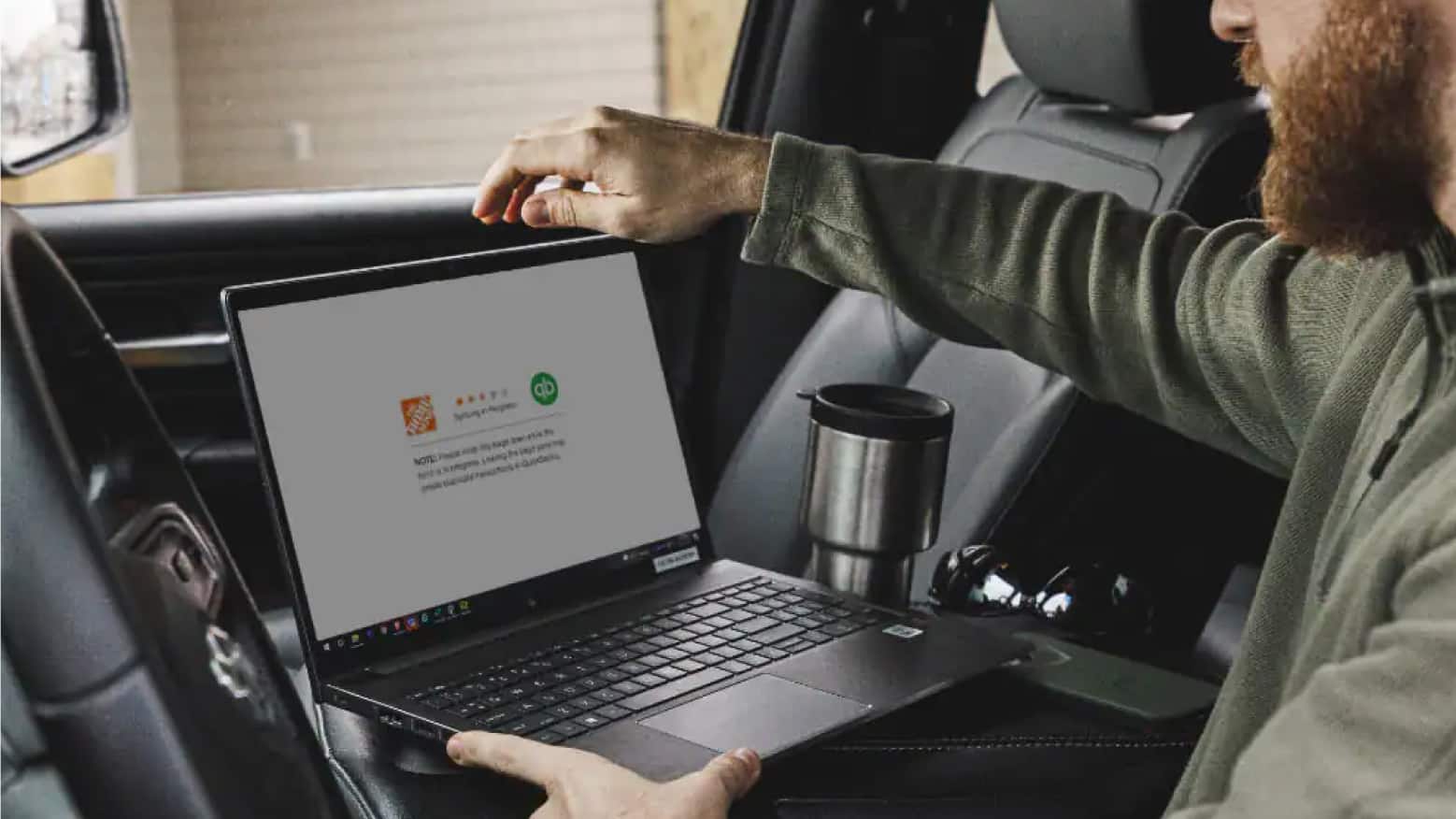
QuickBooks® Currently Has Two Different Products: Online and Desktop. Home Depot Offers Direct Integration with Both Products. Sync your Pro Xtra Account to QuickBooks® from your Purchase History, Using the QuickBooks® Link in the Top Right Corner.
You May Export Up to 390 Transactions from The Home Depot to QuickBooks® Using your Purchase History. Log In to Your QuickBooks® Account Using the “QuickBooks® Export” Link.
Direct Integration Allows You to Download Your The Home Depot Purchase History Directly Into Your QuickBooks® Account.
The Home Depot Must Be a Vendor in Your QuickBooks® Account. All Transactions Export at the Summary Level and Appear Under the Following Credit Card: Home Depot–QuickBooks Purchases.