Best Smart Door Locks for Home Security
Last updated October 10, 2023
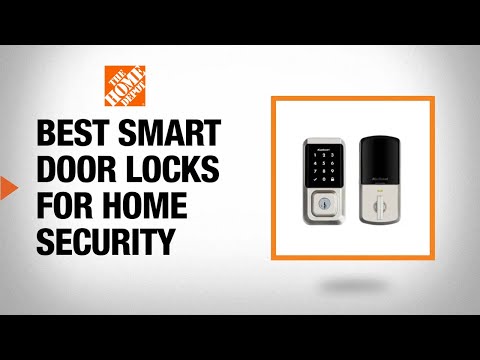
Smart locks are a great choice for a new entry door or to replace an old lock. Few things offer more security and convenience. With a smart lock, you can get into your home without a key. You can also check who enters and exits your house when you’re away. Learn how to choose the best smart locks for your home. Read on for facts about the benefits of all types of smart locks.
Table of Contents
Types of Smart Locks
Keypad Smart Locks
WiFi Smart Locks
Bluetooth Smart Locks
Z-Wave Smart Locks
Smart Door Lock Features
Types of Smart Locks
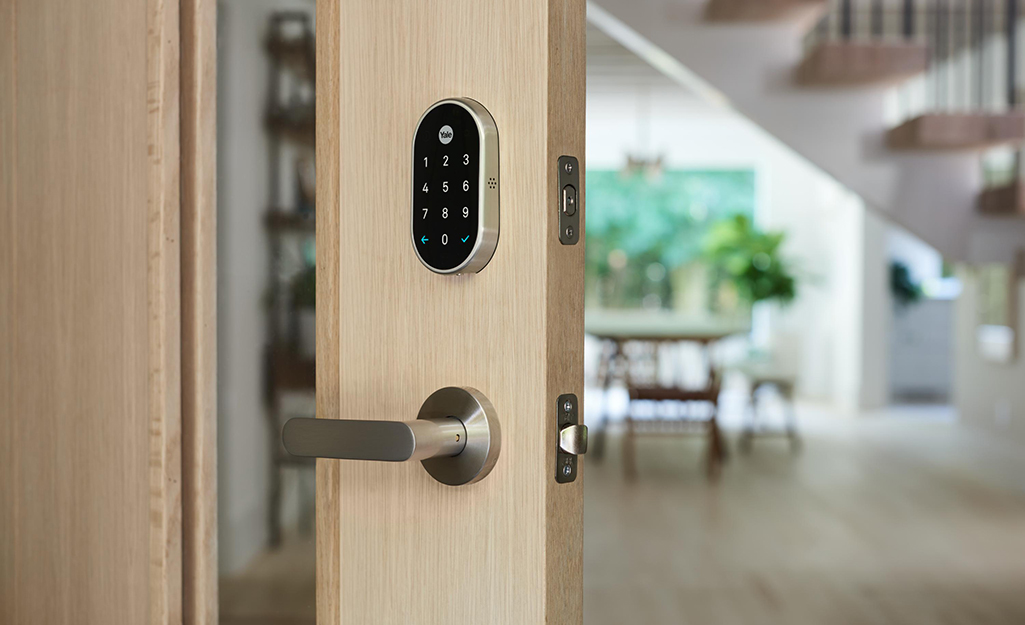
Smart door locks include the same functionality as regular deadbolts and door locks. Plus, you get the advantages of keyless entry systems through your smartphone. Keyless entry systems come in keypad, key fob and remote access formats.
All smart locks operate via battery power. Normal battery lifespan ranges from 6 months to one year. The locks sound an audible alert as the battery power begins to fade and need to be replaced. Key fobs also use batteries. A key fob battery has a lifespan of 1 to 3 years, depending on how many activations are used.
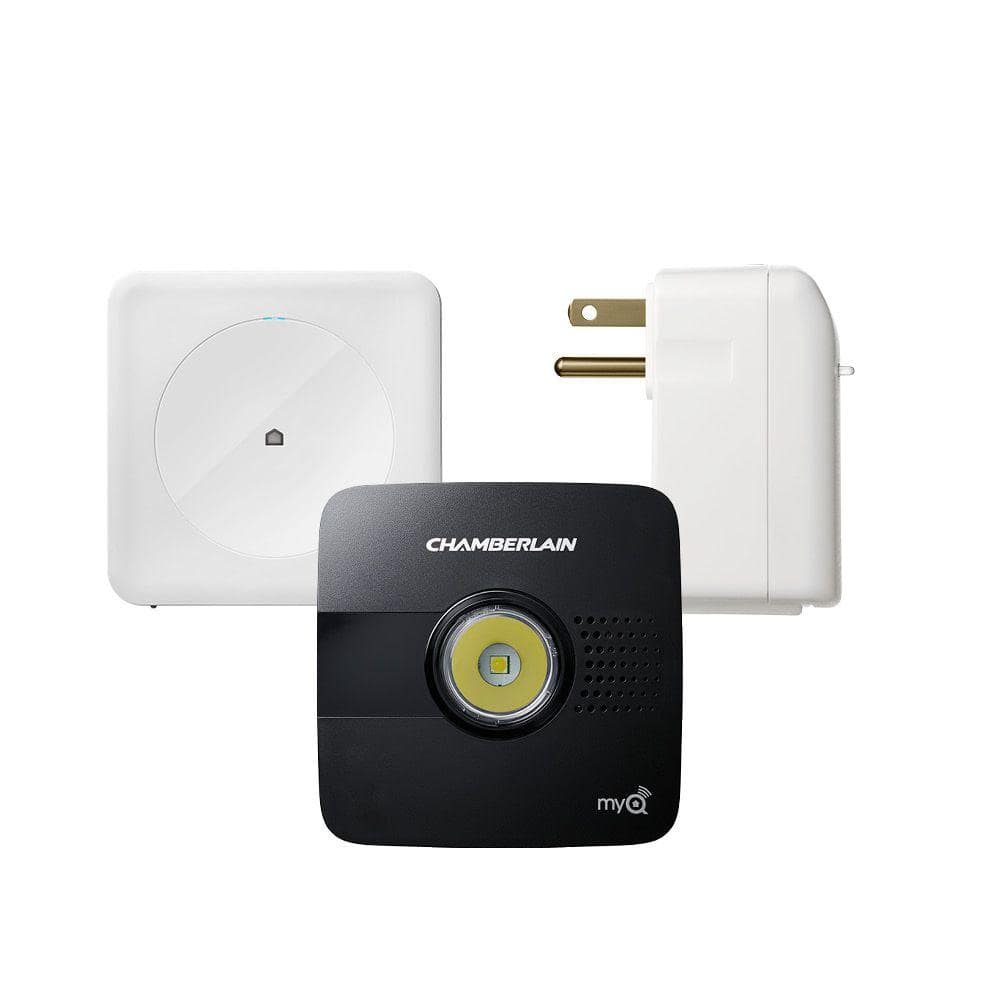
Make sure the smart door lock that offers remote access has a locking system compatible with your smart hub protocol: Wi-Fi, Bluetooth or Z-Wave. Even the best smart locks are vulnerable to hacking. Keep your software updated and use strong passwords.
Tip: If you are replacing an old lock, measure both the existing door thickness and bore size. Measure the distance between the deadbolt and the door frame to. This will make sure the new lock has the reach to secure the door after installation.
Keypad Smart Locks
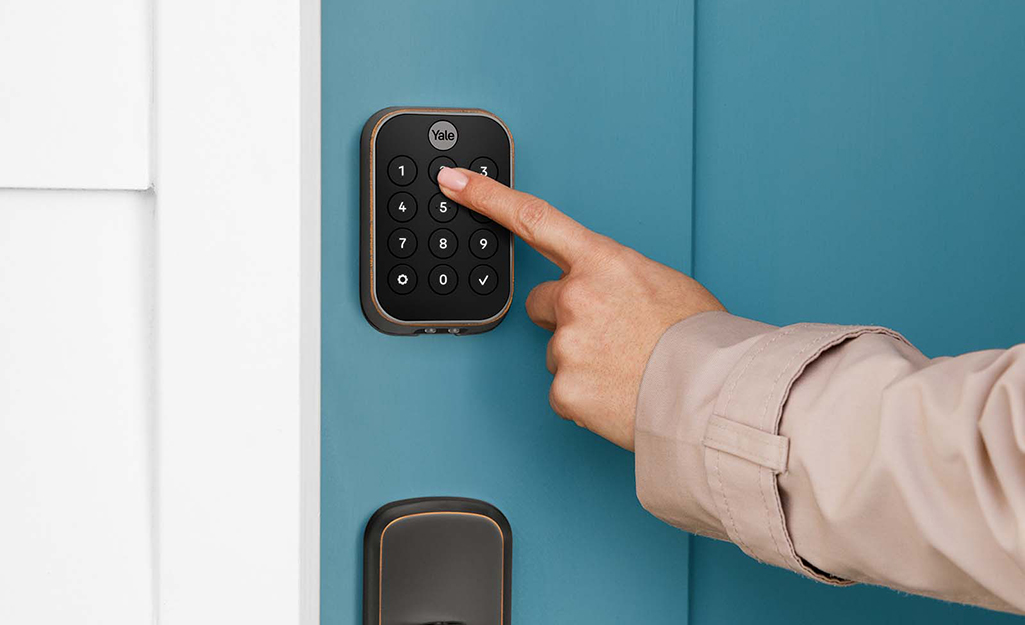
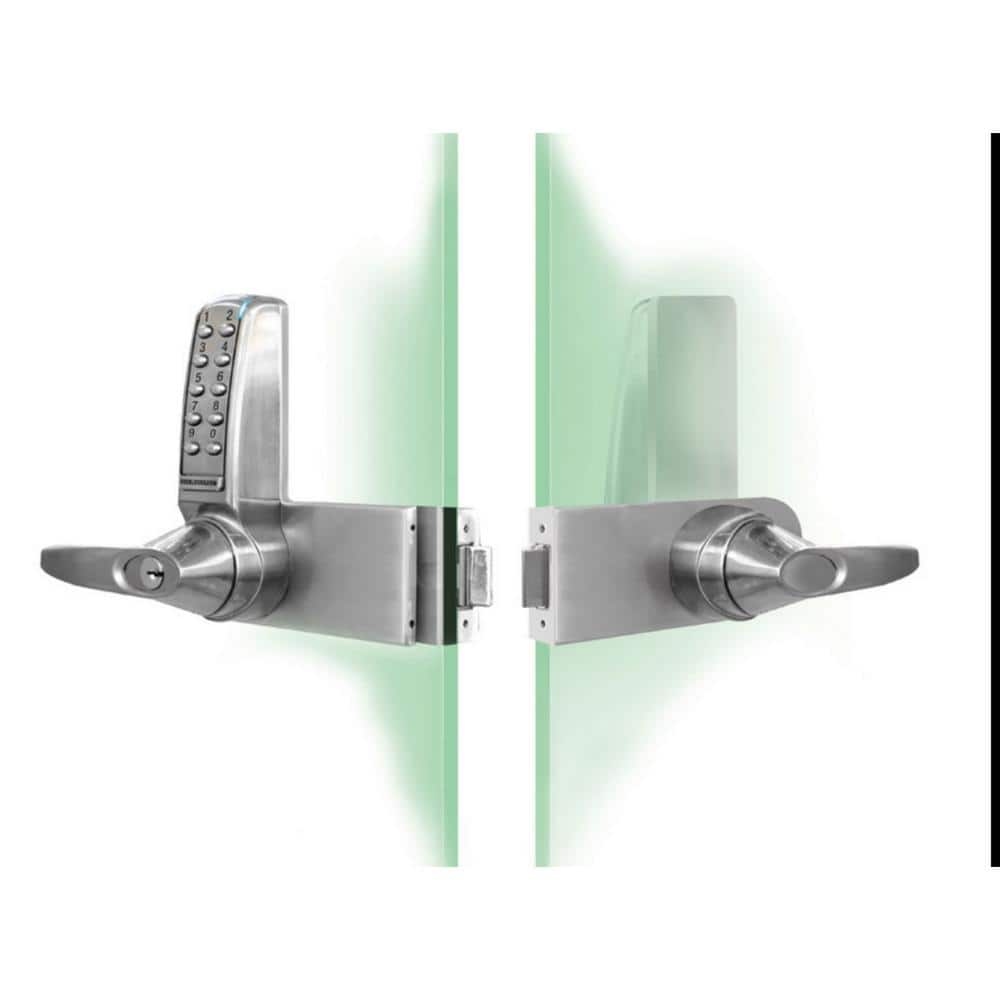
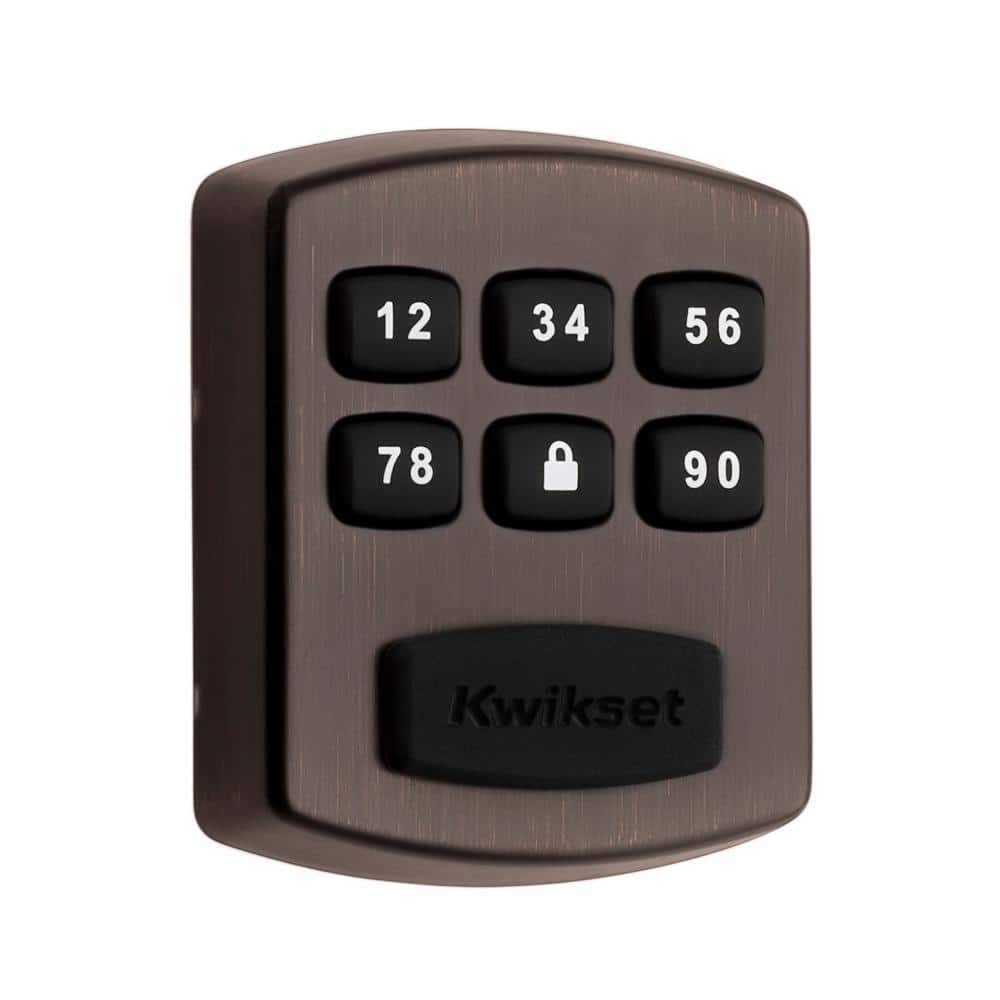
To unlock a keypad smart lock, enter your code using the number buttons on the door. To unlock a key fob lock, press a button on the key fob when you’re in range of the door. You can activate most smart locks with a key. Or you can enter a specific code that you create on the keypad. It's a convenient feature that can let service technicians or neighbors in while you’re away. The best smart locks include advanced communication encryption for added security. You can even unlock some smart door locks using your fingerprint.
WiFi Smart Locks

WiFi smart locks use a standard wifi network to connect to your home's router. WiFi smart locks have an unlimited range once they’re connected to your router. You can unlock your doors from anywhere in the world using your smartphone. Plus, you’ll never worry if you’ve locked the door again. WiFi locks can also be set up to automatically lock the door after a certain period of time or when your smartphone is out of range.
- Control home access from anywhere
- Check your home when you’re traveling
- Easily have guests come and go without keys
Bluetooth Smart Locks
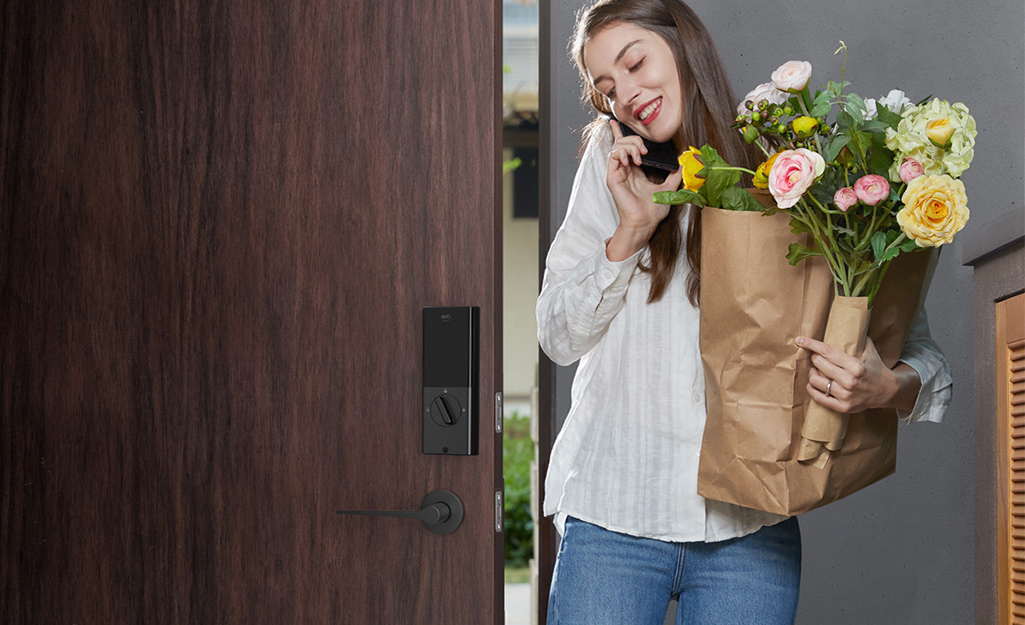
Bluetooth smart locks are the easiest to set up. Simply pair your smartphone with the lock via the door lock manufacturer’s app. The door lock will then recognize your phone and unlock automatically. Although Bluetooth smart locks have a range of only 20 to 40 feet, there are many benefits:
- Easy to install
- Uses sophisticated encryption technology
- Updates automatically
Z-Wave Smart Locks
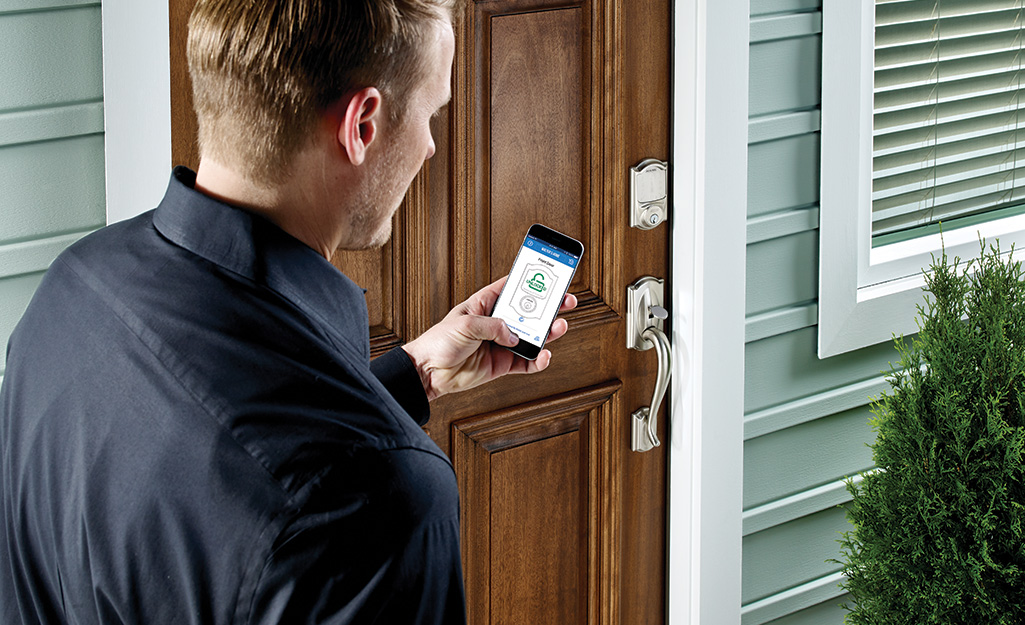
Z-Wave smart locks use special radio frequencies to communicate with compatible devices in your home’s automation system. They can be connected to security cameras and more. Smart locks with Z-Wave require a home automation system that uses system controllers to activate the lock. You’ll also have to connect a smartphone or other device via the internet. Z-wave smart locks can require professional installation, but are among the best smart locks with features like:
- Keyless entry
- Voice recognition
- Auto-lock capabilities
Smart Door Lock Features
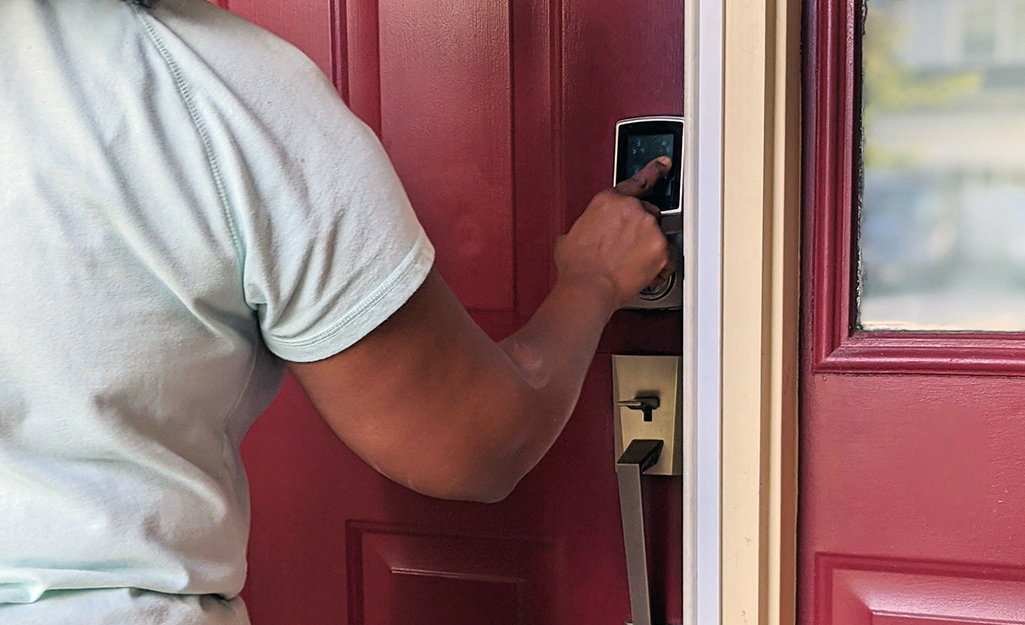
There are several advanced features to consider when deciding on smart door locks for your home.
- Use your mobile device to get real-time notifications to keep track of who comes and goes when you are not home.
- Some smart door lock apps have a scheduling feature to manage who has permanent and temporary access to unlock your door.
- A lock with an activity log allows you to see who has used the lock and when they came in or out.
- More advanced smart locks provide security features that can increase your peace of mind.
- A tamper alarm can notify you in the event of an attempted break-in.
- A perimeter lock feature, also known as a geo-fence, automatically locks outer doors will lock when you leave a certain range.
- Some locks can be set to lock automatically once a certain amount of time has gone by.
- Interact with other smart home products that are tied to your network. For example, you can program your lights to come on automatically whenever you unlock the door. If your smart home security network includes cameras, you can get a photo of anyone who uses your lock sent to your phone.
- Some smart locks include voice control, so you can use verbal commands given to a virtual assistant to unlock your door.
Smart Door Locks and Deadbolts
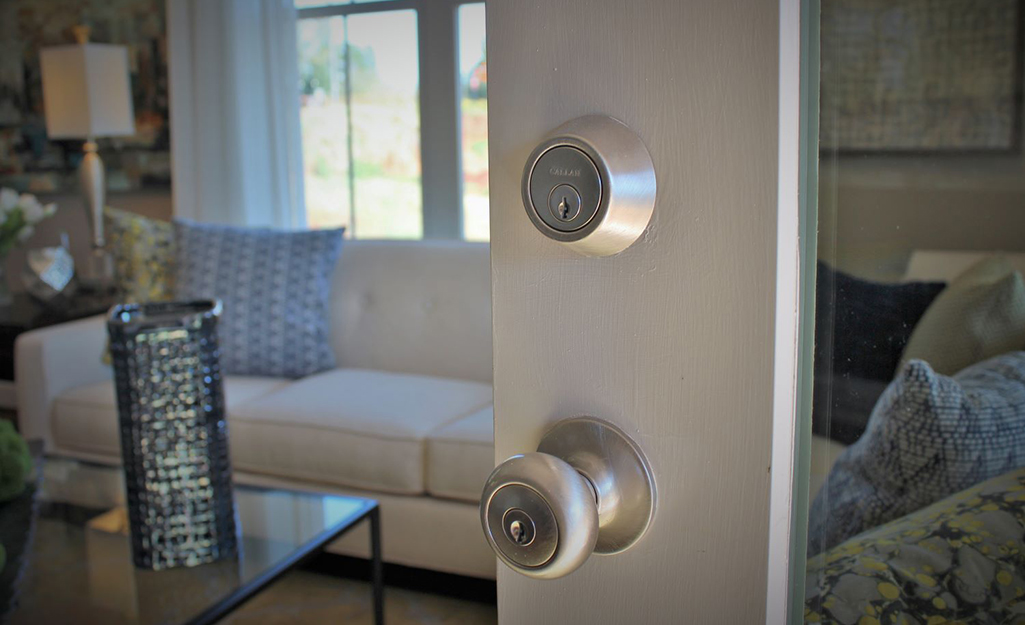
If you decide you want to keep your existing deadbolt, there are a few smart locks that fit or clamp over the existing deadbolt, essentially turning your deadbolt lock into a smart lock. Installation can be complete in as little as 15 minutes. If you choose to completely replace your lock, choose a smart lock that is compatible with your existing door hardware.
Smart door locks keep your home secure while granting remote access to relatives, guests or service workers. Depending on the features you select, a smart lock can add security features to your home. Some smart locks will contact you anytime someone enters or exits. Others connect to your smart home system. When paired with security cameras, they can even send you a photo of anyone who comes in or out of the door.
Looking for a particular smart door lock? Use the Home Depot Mobile App to locate products and check inventory. We’ll take you to the exact aisle and bay.